
14 Sep Alert Security on After-Hours Camera Motion (2026 Guide)
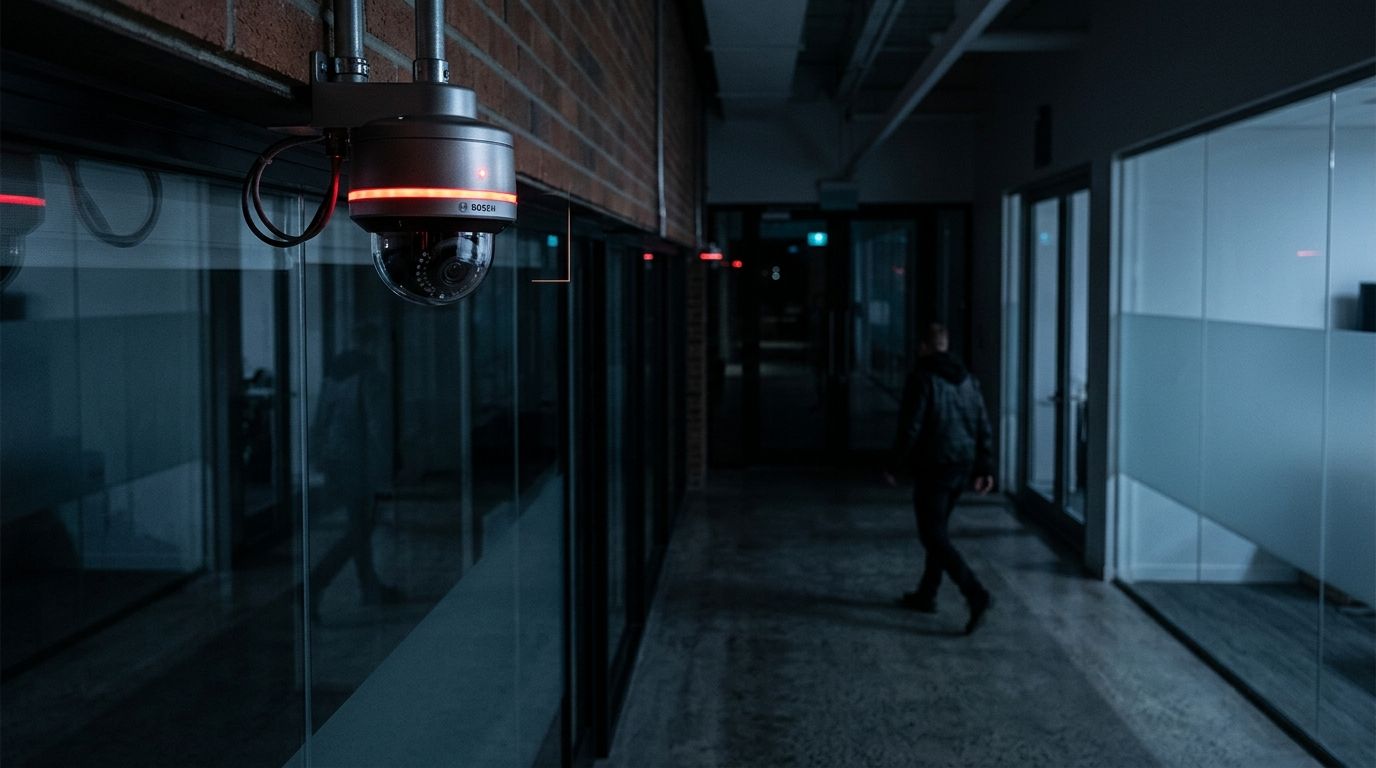
Most break-ins at small businesses happen between 10 PM and 5 AM, and most of the alerts your cameras generate during that window are useless — a passing car, a raccoon, a flag moving in the wind. Instead of scrolling through motion clips every morning wondering if last night mattered, configure your security cameras to alert security personnel or a monitoring service the moment motion happens after hours, so somebody who can actually act sees it in real time.
- Set your NVR or VMS to alert security when cameras detect after-hours motion using scheduled detection zones, not 24/7 motion capture.
- Route the alert to a monitoring company, a designated staff phone, or both — full redundancy costs nothing extra to configure.
- Test the schedule with a real after-hours walkthrough before trusting it; time zone and DST settings are the most common silent failure.
- Alert fatigue from false triggers like headlights, HVAC vents and tree branches is the top reason businesses switch these systems off within a month.
Why this matters
A camera that just records is a camera that helps you review a break-in after it already happened. An after-hours motion alert is the difference between reviewing footage on Monday and calling police on Saturday night while the intruder is still on-site.
For small and mid-sized businesses in New Jersey running warehouses, retail storefronts, or professional offices, the after-hours window is when nobody is watching — no receptionist, no staff, sometimes no alarm monitoring beyond a basic panel. Motion-triggered camera alerts fill that gap without hiring an overnight guard. Getting commercial security cameras that support scheduled alerting in the first place is step one — plenty of budget camera systems only support push notifications to a single app, with no path to a monitoring company or a team distribution list.
Before you start
- Access to your NVR/VMS admin panel — you need admin-level login on your video management software or NVR web interface, not just viewer access.
- A destination for the alert — a monitoring company's receiver ID, a group of staff phone numbers, an email distribution list, or a push-notification app account. Decide this before touching schedules.
- The gotcha: most systems default motion zones to the entire camera frame, which means a car pulling into a lot across the street triggers the same alert as someone at your back door. Draw detection zones tight to entry points and high-value areas before you turn on after-hours alerting, or you will shut the whole thing off within a week from notification overload.
Set up your motion detection zones and schedule
- Log into your NVR or VMS admin panel and open Camera Settings for each camera covering an entrance, loading dock, or cash-handling area.
- Find the Motion Detection or Smart Detection tab and draw a detection zone that excludes public sidewalks, roadways, and anything that moves on its own — flagpoles, HVAC units, tree lines.
- Set Sensitivity to medium for outdoor zones facing traffic and high for interior zones. Outdoor sensitivity set too high is the single biggest source of false alerts.
- Open Schedule and define your after-hours window — typically closing time through opening time, adjusted per day if weekend hours differ.
- Save and confirm the schedule shows as active only during the hours you set. Expected result: the camera's live view shows a scheduled motion-detection status indicator, not an always-on one.
Configure the after-hours alert rule
- In the same admin panel, go to Alarm or Event Rules and create a new rule tied to the motion detection zones from the previous step.
- Under Trigger, select Motion Detected and link it to the schedule you built — not a separate always-on schedule.
- Under Action, choose the notification type: Push Notification, Email, SMS, or Send to Central Station for platforms with monitoring integrations.
- If your system supports Snapshot Attachment, enable it. An alert with a still image lets whoever receives it make a judgment call in seconds instead of logging into the app to check.
- Save the rule. Expected result: triggering motion in a defined zone during the scheduled window produces a notification within 10-30 seconds, depending on camera processing and network upload speed.
Connect the alert to your monitoring team or guard service
- If you use a third-party monitoring company, open their integration settings in your VMS — most modern platforms have a Central Station or Third-Party Monitoring tab — and enter the account ID and receiver line the monitoring company provides.
- Map your after-hours alert rule to the monitoring integration so triggered events forward automatically, not just to your internal app.
- If you are routing to internal staff instead, build a Notification Group with 2-3 phone numbers or emails so one missed alert does not mean nobody responds. One person on vacation should not be a single point of failure.
- Confirm delivery with both channels active if you are running redundancy: monitoring company and a designated manager's phone. Expected result: a test motion event produces a call or ticket from the monitoring company within their stated response window, and a push notification lands on the manager's phone at the same time.
Alert your own staff instead of a monitoring company
Not every business wants a paid monitoring contract — some just want the owner or a shift lead to get a text. Skip the central-station integration and set the Action in your alert rule directly to SMS or a messaging app webhook pointed at a manager's number. This variant needs nothing beyond the camera system itself and works well for single-location retail or office setups where one or two people are willing to be the after-hours contact. The tradeoff: no professional dispatcher deciding whether to call police, so build a clear internal protocol for what a staff member does when the alert lands at 2 AM.
Troubleshooting
- Alerts stop coming during the day but work overnight. Your schedule is inverted. Recheck the after-hours window — a common mistake is setting the schedule to the hours the business is open instead of closed.
- Too many alerts from the same spot every night. The detection zone is catching a recurring non-threat, such as a security light throwing shadows or a dumpster lid moving in wind. Narrow the zone or add an exclusion mask around that spot.
- No alert during an actual after-hours event. Check that camera and recorder firmware is current, and confirm the rule is still listed as active after any power cycle or reboot. Rules that silently drop after a restart are a known failure mode on systems that have not been updated in over a year.
- Alert arrives 2+ minutes after the event. This is almost always upload bandwidth, not the camera. If several cameras push snapshots simultaneously on the same event, stagger sensitivity so only the highest-priority zones — entry doors — trigger immediately.
- Daylight Saving Time breaks the schedule. Some older NVR models do not auto-adjust. Manually recheck your after-hours window the week after clocks change in March and November 2026.
Customize your workflow
Once after-hours motion alerts are reliable, extend the same logic to your access control system. Alerting staff when a door is forced open closes the gap for entry points that do not rely on motion detection at all, like a rear door with a failed sensor. Pairing that with PoE camera setup means one network cable carries power and data for every camera in the alert chain, which removes a point of failure most businesses do not think about until a camera goes dark.
Businesses running more than one site should also decide whether alerts route to a central operations team instead of a single site manager. That is a different configuration than a single-office setup and worth planning before you scale past one location.
Get after-hours camera alerts set up right
DBSI installs and configures commercial security cameras with motion-based alerting for New Jersey businesses.
FAQ
How do I alert security when cameras detect after-hours motion?
Set your NVR or VMS to run motion detection only during your closed hours, then create an alert rule that pushes notifications or snapshots to a monitoring company or staff phone. Most commercial VMS platforms support this natively without extra hardware.
What is the best way to avoid false alerts overnight?
Draw tight detection zones around entry points and high-value areas instead of using the full camera frame, and set outdoor sensitivity to medium. Zones that include roads, flagpoles, or HVAC units generate the most false triggers.
Can camera alerts go straight to a monitoring company instead of my phone?
Yes. Most modern VMS platforms have a central station or third-party monitoring integration tab where you enter the monitoring company’s account ID. That routes the alert to a professional dispatcher instead of relying on an employee checking a phone at night.
Is it better to alert one manager or a group?
A notification group of 2-3 people is more reliable than a single contact, since one person being unreachable should not mean nobody responds to a 2 AM alert. Set this up as a distribution list, not a single phone number.
How much delay is normal between motion detection and alert delivery?
10 to 30 seconds is typical for a well-configured system in 2026. Delays beyond 2 minutes usually point to bandwidth congestion from multiple cameras pushing snapshots at once, not a camera hardware fault.
Do I need a paid monitoring contract to get after-hours alerts?
No. You can route alerts directly to staff by SMS or a messaging app instead of a monitoring company, which works for single-location businesses willing to designate an after-hours contact. The tradeoff is no professional dispatcher deciding whether to call police.
Why did my after-hours schedule stop working after Daylight Saving Time?
Some older NVR models do not auto-adjust for DST, so the scheduled window silently shifts by an hour. Manually recheck the schedule the week after clocks change in March and November 2026.
Can I attach a photo to the alert instead of just a notification?
Yes, most systems support a snapshot-attachment option in the alert rule settings. A still image lets whoever receives the alert make a faster judgment call than logging into the app to check live video.
One last thing
Stagger sensitivity by zone instead of setting every camera the same way — entry doors at high sensitivity, parking lot perimeters at medium — and alert volume drops enough that staff stop ignoring notifications within the first week. That single change fixes more alert-fatigue complaints in 2026 than any amount of extra hardware.
Related guides
- Remote monitoring security camera systems for business
- How to store and manage security camera footage for compliance
- How to plan camera placement for a commercial security system
Sorry, the comment form is closed at this time.