
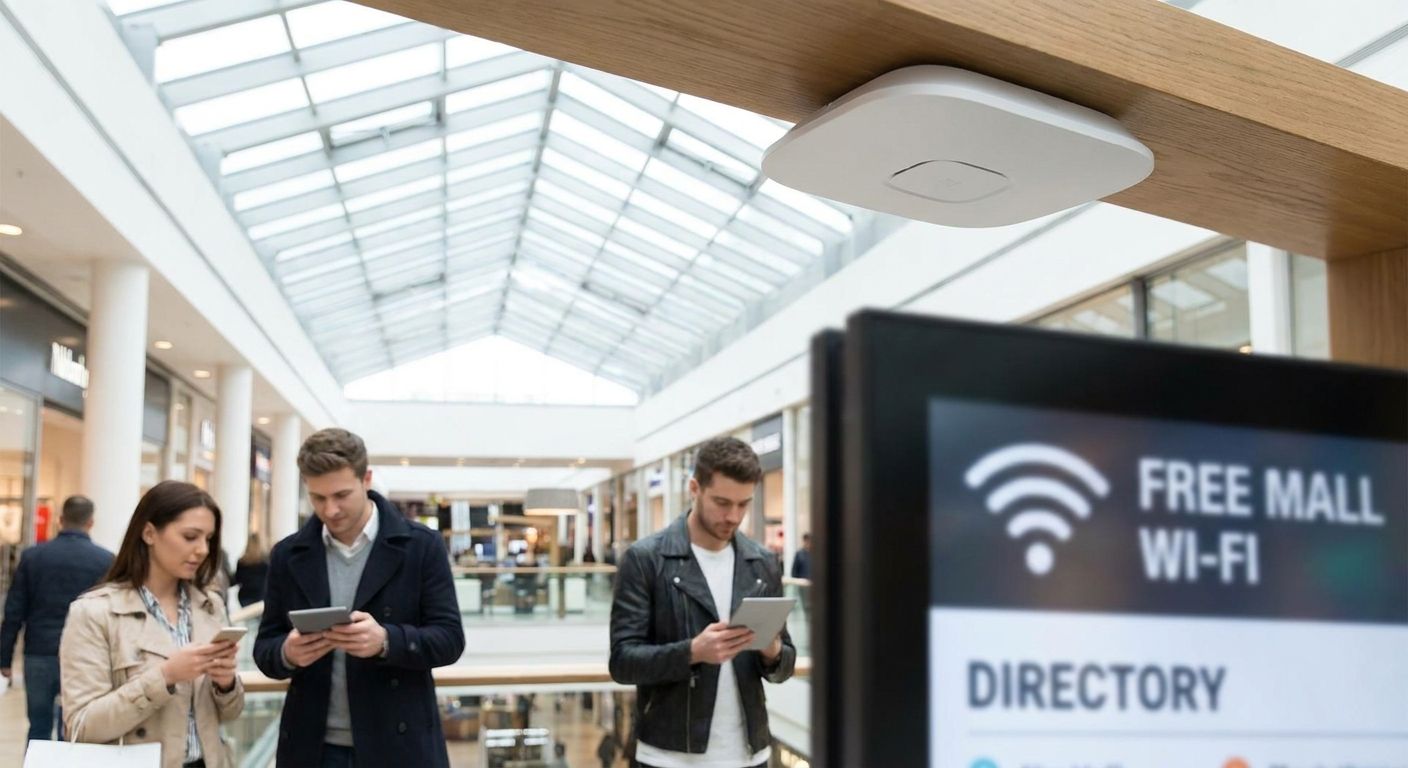
03 Sep Best Business Wifi for Malls & Retail Centers 2026
Shopping malls and retail centers put more devices on a single access point than almost any other commercial environment — shopper phones, POS terminals, security cameras, digital signage, and back-office laptops all fighting for the same 2.4 GHz and 5 GHz spectrum. A router that works fine in a ten-person office collapses under that load. This guide ranks the best business wifi systems for shopping malls and retail centers in 2026 based on how each platform handles density, guest segmentation, and multi-site management.
- Cisco Meraki tops the list of best business wifi systems for shopping malls and retail centers with centralized multi-site management.
- Ruckus (CommScope) wins for food courts and anchor stores where device density causes constant interference.
- Aruba Networks (HPE) fits retail centers that need strict PCI DSS separation between guest wifi and payment systems.
- Ubiquiti UniFi is the budget pick for smaller strip malls and retail centers with tighter capital budgets.
- Cambium Networks covers exterior parking lots and outdoor common areas the other four don’t handle well.
Why this matters
A mall or retail center isn't one network — it's dozens of tenants, a management office, common-area cameras, and often a mix of leased and owned infrastructure all sharing the same building. Get the wifi platform wrong and you get dead zones near anchor stores, guest traffic that slows down POS systems, or a payment network that fails a PCI audit.
Retail centers already run security systems for shopping malls and retail centers on the same backbone as wifi, which means the network design decision affects more than just shopper convenience — it touches every camera, badge reader, and register on the property. That's why the platform choice below is paired with how it's actually deployed, not just its spec sheet.
What makes the best business wifi system for a retail center
- Coverage density and roaming — access points that hand off cleanly as shoppers walk from one wing to another
- Guest and POS segmentation — separate VLANs so a shopper streaming video never touches the register network
- Security compliance — WPA3 encryption and PCI DSS-ready segmentation for any tenant processing payments
- Centralized management — one dashboard for a property with dozens or hundreds of access points, not one login per AP
- Interference tolerance — stable performance in food courts and anchor stores where device counts spike
- Outdoor coverage — the parking lot and loading dock don't stop being part of the property at the building's edge
At a glance
| System | Best for | Standout feature | Key limitation |
|---|---|---|---|
| Cisco Meraki | Multi-tenant, multi-site management | Single cloud dashboard across the whole property | Cloud dashboard access requires an active license |
| Ruckus (CommScope) | High-density common areas | Adaptive antenna technology tuned for interference | Smaller pool of local integrators familiar with the platform |
| Aruba Networks (HPE) | PCI-compliant payment segmentation | ClearPass network access control | More configuration overhead for a small property manager |
| Ubiquiti UniFi | Budget-limited strip malls | Lower cost per access point | No dedicated enterprise support line |
| Cambium Networks | Outdoor parking and exterior areas | Purpose-built outdoor and point-to-point gear | Less name recognition among enterprise IT teams |
1. Cisco Meraki: best business wifi system for multi-tenant mall management
Meraki runs access points through a single cloud dashboard, which matters when a property has one management office overseeing wifi across dozens of tenant spaces and common areas. Configuration changes, firmware updates, and traffic reporting happen from one login instead of walking a laptop to every closet.
Cisco Meraki pros:
- Centralized dashboard covers the whole property from one login
- Firmware and security patches push out automatically
- Reporting breaks down usage by zone, useful for common-area vs. tenant traffic
Cisco Meraki cons:
- The cloud dashboard only works with an active license — the hardware doesn't function independently if licensing lapses
- Smaller tenants without IT staff still need someone managing the dashboard
Best for: property managers running wifi across an entire mall or retail center from one team.
Verdict: Buy for centralized, multi-tenant deployments.
2. Ruckus (CommScope): best business wifi system for food courts and anchor stores
Ruckus built its name on adaptive antenna technology designed for environments packed with devices — stadiums, transit hubs, and shopping mall common areas share the same interference problem. Food courts and anchor stores generate the highest device density on any retail property, and that's exactly where Ruckus holds a signal that other platforms drop.
Ruckus pros:
- Adaptive antennas manage interference better than fixed-antenna competitors in crowded spaces
- Handles high concurrent device counts without the connection drops common in food courts
- Strong track record in stadiums and transit environments with comparable density
Ruckus cons:
- Fewer local integrators know the platform compared to Cisco or Aruba
- Smaller overall market share means less third-party documentation
Best for: food courts, anchor department stores, and any zone with heavy foot traffic and device saturation.
Verdict: Buy for the highest-density zones on the property.
3. Aruba Networks (HPE): best business wifi system for PCI-compliant retail centers
Aruba's ClearPass network access control gives property managers a way to enforce strict separation between guest wifi and any network segment touching payment processing. For a retail center where multiple tenants run their own POS systems, that separation isn't optional — it's a PCI DSS requirement.
Aruba Networks pros:
- ClearPass enforces role-based access control down to the device level
- Strong track record in security-first deployments like banking and healthcare
- WPA3 support across the access point line
Aruba Networks cons:
- Configuration takes more expertise than a plug-and-play platform
- Overkill for a small strip mall with two or three tenants
Best for: retail centers with multiple tenants processing card payments who need auditable network segmentation.
Verdict: Buy where PCI compliance is the priority.
4. Ubiquiti UniFi: best business wifi system for budget-limited strip malls
UniFi built its reputation on lower cost per access point compared to Cisco, Aruba, or Ruckus, which makes it a realistic option for smaller retail centers where the budget doesn't stretch to enterprise licensing. The self-hosted controller software gives an owner-operator more control without a recurring cloud fee.
Ubiquiti UniFi pros:
- Lower cost per access point than most enterprise competitors
- Self-hosted controller avoids recurring cloud licensing
- Popular enough that hardware and documentation are easy to find
Ubiquiti UniFi cons:
- No dedicated 24/7 enterprise support line from the manufacturer
- More hands-on management required without a managed integrator involved
Best for: smaller strip malls and retail centers with a handful of tenants and a tighter capital budget.
Verdict: Buy for smaller properties; Skip if the property needs enterprise-grade support included.
5. Cambium Networks: best business wifi system for outdoor parking and exterior coverage
Cambium built its catalog around outdoor and point-to-point wireless gear, which fills a gap the other four platforms don't solve well: parking lots, loading docks, and exterior common areas that sit outside the building envelope. It's rarely the only platform on a property, but it's often the one covering the ground the others miss.
Cambium Networks pros:
- Purpose-built outdoor hardware rated for exterior conditions
- Point-to-multipoint options extend coverage across a large parking footprint
- Competitive positioning for properties that need outdoor coverage without enterprise indoor pricing
Cambium Networks cons:
- Less brand recognition among enterprise IT teams evaluating indoor deployments
- Narrower ecosystem than Cisco or Aruba for indoor common-area coverage
Best for: covering parking lots and exterior common areas alongside an indoor platform.
Verdict: Buy as a supplement for outdoor coverage, not a standalone indoor solution.
The platform is only half the job
Every vendor above ships hardware capable of Wi-Fi 6 (802.11ax), which tops out at a theoretical 9.6 Gbps and handles far more concurrent devices than the previous generation. None of that matters if the access points are hung in the wrong spots or the cabling behind them can't carry the traffic.
“The platform on the spec sheet matters less than whether the access points were placed for your foot traffic, not your floor plan.”
A property with existing dead zones near anchor stores or common areas usually has a placement or cabling problem, not a hardware problem. Business wifi installation that accounts for building materials, tenant walls, and foot-traffic patterns solves more coverage complaints than switching vendors does. DBSI installs and configures business wifi for properties in the Fairfield, NJ area, and the same site-survey approach applies whether the property is a two-tenant strip center or a full regional mall.
How this list was ranked
Each platform was scored against the six criteria above: coverage density, guest/POS segmentation, security compliance, centralized management, interference tolerance, and outdoor coverage. No single platform wins on all six — that's why the list assigns a distinct use case to each one instead of a single overall winner. A mall management office weighing Cisco Meraki against Ubiquiti UniFi should ask which criteria matter most for their specific mix of tenants, not which brand has the biggest market share.
Which business wifi system should you choose?
For a large regional mall with dozens of tenants and a central management office, Cisco Meraki is the default in 2026 — the single dashboard justifies the licensing cost. For a food court or anchor store fighting constant interference, layer in Ruckus. If tenants process card payments and PCI compliance is a real audit concern, Aruba Networks earns its extra configuration overhead. A smaller strip mall on a tight budget does fine with Ubiquiti UniFi, and any property with a parking lot worth covering should add Cambium Networks as a supplement, not a replacement.
Whichever platform gets picked, the access points still need to land in the right spots on cabling that can carry the load — that's the step most retail wifi complaints trace back to.
FAQ
What’s the best business wifi system for a shopping mall in 2026?
Cisco Meraki is the best overall choice for large shopping malls in 2026 because it manages every access point across the property from one cloud dashboard. Smaller strip malls with tighter budgets often do better with Ubiquiti UniFi instead.
Is Cisco Meraki better than Ubiquiti UniFi for retail centers?
Cisco Meraki is better for large, multi-tenant properties that need centralized management across many access points. Ubiquiti UniFi costs less per access point and suits smaller retail centers without dedicated IT staff.
How many access points does a shopping mall need?
There’s no fixed number — it depends on square footage, building materials, and how many devices concentrate in high-traffic zones like food courts. A site survey is the only reliable way to get an accurate count.
Does mall wifi need to be PCI compliant?
Any network segment that touches a tenant’s payment processing needs to meet PCI DSS requirements, which means guest wifi has to stay separated from POS traffic. Aruba Networks’ ClearPass system is built specifically for this kind of segmentation.
What’s the difference between guest wifi and POS network segmentation?
Guest wifi is the open network shoppers connect their phones to, while POS segmentation keeps payment terminals on a completely separate, restricted network. Mixing the two creates both a security risk and a compliance problem.
Can existing cabling support a wifi upgrade in an older retail center?
It depends on the cable category and age of the existing infrastructure — older Cat 5e runs often can’t carry the throughput or PoE power that current access points need. A cabling assessment before the wifi upgrade avoids installing hardware the wiring can’t support.
How much does business wifi installation cost for a retail center?
Cost varies with square footage, access point count, and how much existing cabling can be reused, so there’s no flat number that applies across properties. A site survey and quote is the only accurate way to budget it.
Is Wi-Fi 6 worth it for retail centers in 2026?
Yes — Wi-Fi 6 (802.11ax) handles far more concurrent devices than the previous generation, which matters directly in food courts and common areas where device density is highest. Most enterprise access points sold in 2026 ship with Wi-Fi 6 as standard.
One last thing
The platform gets picked first in almost every retail wifi project, and it should be picked last. A site survey that maps actual foot traffic, tenant wall materials, and existing cabling tells you more about which access point count and placement you need than any vendor comparison — the best business wifi systems for shopping malls and retail centers in 2026 all fail if they're hung in the wrong spots on cabling that can't carry the load.
Related guides
Sorry, the comment form is closed at this time.