
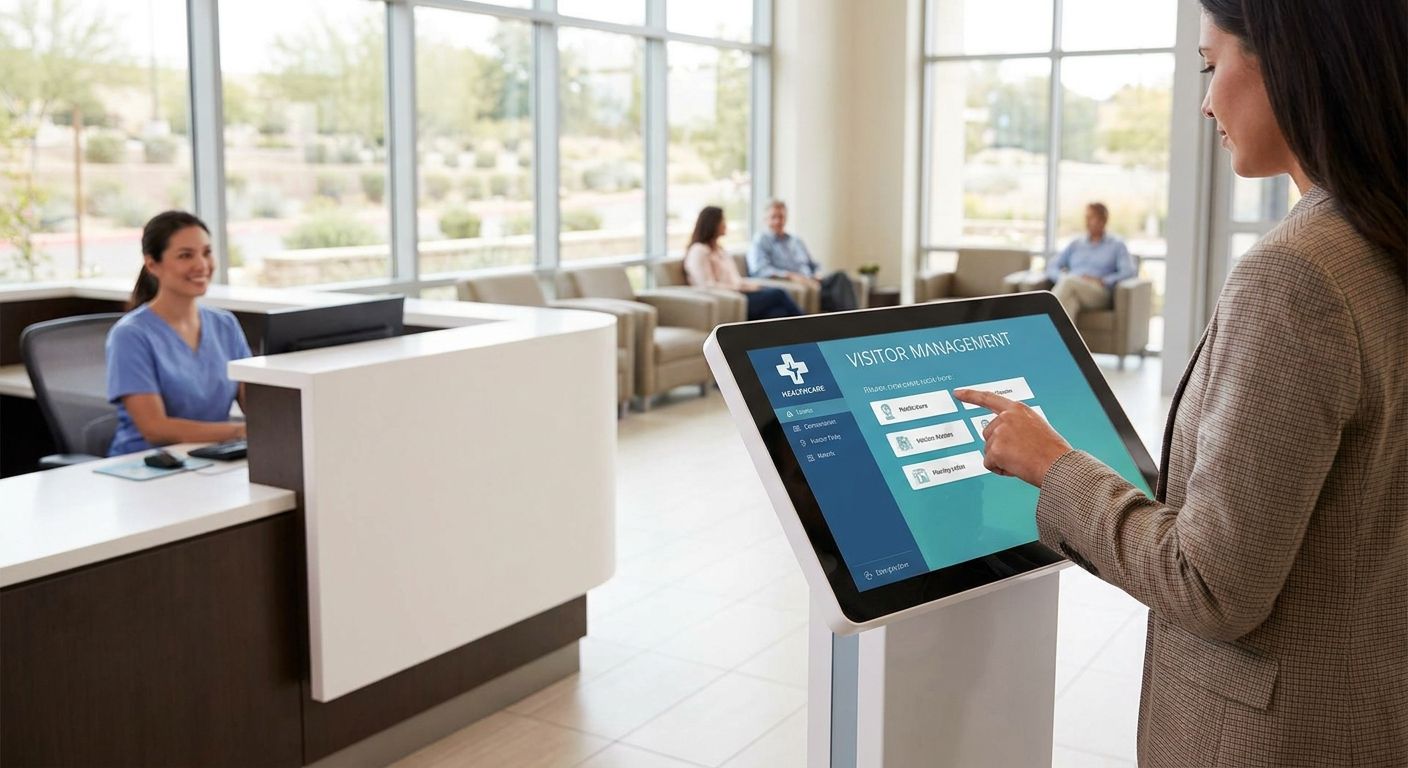
04 Sep Best Visitor Management Systems for Healthcare 2026
Best overall: a DBSI-installed visitor management system wired into hospital access control. Best for multi-location health systems: Envoy Visitors. Best for regulated visitor screening: iLobby.
- The best visitor management systems for healthcare facilities in 2026 tie check-in to access control and cameras, not a standalone kiosk.
- DBSI installs and supports visitor kiosks wired into existing hospital network cabling, access control, and security cameras across New Jersey facilities.
- Envoy Visitors fits multi-site health systems, iLobby fits regulated watchlist screening, and HID SAFE fits campuses already running HID access control.
- Skip any kiosk that can’t print an expiring badge or flag a denied visitor against a watchlist during check-in.
Why this matters
A hospital lobby that lets any adult walk past reception onto a patient floor is a liability problem before it's a technology problem. Visitor management software fixes the check-in workflow — ID scan, badge print, watchlist check — but it only works as well as the access control systems for hospitals and healthcare facilities it's wired into.
Most healthcare facilities buying a kiosk in 2026 are replacing a paper sign-in sheet or a standalone iPad app nobody maintains after the vendor's initial visit. The real decision isn't which app has the nicest screen — it's which platform ties cleanly into the doors, cameras, and network already running the building, and who answers the phone when the badge printer jams during an 8-hour shift change.
What makes the best visitor management system for healthcare facilities
- HIPAA-aware data handling — visitor logs, health screening answers, and ID scans stored behind access controls, not on an open spreadsheet at the front desk.
- Watchlist and denied-party screening — an automatic check against exclusion lists at check-in, not a manual lookup someone forgets to run.
- Badge printing with automatic expiration — a printed badge that self-invalidates at the end of a visit or shift.
- Integration with access control and cameras — check-in data that ties to the same door credentials and camera feeds already running the building.
- Host notification — a text, call, or chat alert to the unit the visitor is actually there to see.
- Kiosk hardware built for constant use — a touchscreen and badge printer rated for a hospital lobby, not a repurposed tablet on a stand.
Best visitor management systems for healthcare facilities at a glance
| System | Best for | Standout feature | Key limitation |
|---|---|---|---|
| DBSI-installed visitor management | Full-service install and support for NJ healthcare facilities | Wired directly into existing access control, cameras, and network cabling | Software feature set depends on the platform DBSI installs, not one proprietary app |
| Envoy Visitors | Multi-location health systems | One dashboard across every facility with host alerts through Slack or Microsoft Teams | Enterprise features can be more than a single clinic needs |
| iLobby | Regulated visitor screening and audit trails | Denied-party and watchlist screening built into the check-in step | Kiosk-first workflow feels rigid for casual family visits |
| The Receptionist for Business | Small clinics without a staffed front desk | SMS and call-button host alerts without staffing a physical desk | Reporting is lighter than enterprise-scale platforms |
| HID SAFE Visitor Manager | Large hospital campuses running HID access control | Badge printing shares the same credential system as building doors | Full value depends on already owning HID access control hardware |
1. DBSI-installed visitor management: best for full-service install and support at NJ healthcare facilities
DBSI doesn't sell one boxed visitor management app — it installs and supports a visitor check-in system wired into the access control, cameras, and network already running a clinic or hospital wing. For a facility in the Fairfield, NJ area, that means one team handles the kiosk, the door credentials it triggers, and the network cabling for hospitals and healthcare facilities behind all of it, instead of three vendors pointing at each other during an outage.
DBSI-installed visitor management pros:
- One point of contact for the kiosk, the cabling behind it, and the access control it triggers
- Badge printing can tie directly into existing door credentials instead of a separate log-in system
- Onsite support from a team that already knows the building's network layout
- Works with the camera coverage already installed in the lobby and corridors
DBSI-installed visitor management cons:
- Not a single named software product — the platform depends on what's specified for the job
- Onsite installation takes scheduling, unlike a self-serve SaaS signup
- Best suited to facilities already working with DBSI on cabling, cameras, or access control
Best for: healthcare facilities in New Jersey that want visitor check-in wired into access control and cameras instead of running as a standalone app.
Verdict: Buy for any NJ healthcare facility that wants one team accountable for the kiosk and the doors it opens.
2. Envoy Visitors: best visitor management system for multi-location health systems
Envoy Visitors runs check-in through a cloud dashboard that spans multiple locations, which fits a health system setting visitor policy across several clinics or outpatient sites from one office. Host notifications route through Slack or Microsoft Teams, so front-line staff aren't stuck watching a separate app all shift.
Envoy Visitors pros:
- Central dashboard covers policy and visitor logs across every location
- Host notifications through tools staff already use
- Badge printing and pre-registration for scheduled visits
Envoy Visitors cons:
- Enterprise dashboard and per-location management add complexity a single clinic doesn't need
- Watchlist screening depth varies by plan tier, so confirm it covers what a compliance team requires
Best for: health systems running visitor check-in across more than one facility.
Verdict: Buy for multi-site systems, Skip for a single small clinic.
3. iLobby: best visitor management system for regulated visitor screening
iLobby builds its check-in flow around compliance — denied-party and watchlist screening run automatically before a badge prints, and every check-in generates an audit trail a compliance officer can pull later. That focus fits facilities answering to regulators beyond standard HIPAA logging, like research hospitals or facilities handling controlled substances.
iLobby pros:
- Watchlist and denied-party screening built into check-in, not a manual step
- Audit trail export built for compliance review
- Configurable check-in questions for health screening or NDA sign-off
iLobby cons:
- Kiosk-first workflow can feel slow for a family member checking in for a quick visit
- Heavier setup than a lightweight front-desk app
Best for: healthcare facilities under compliance requirements beyond standard HIPAA visitor logging.
Verdict: Buy for regulated facilities, Hold for a routine outpatient clinic.
4. The Receptionist for Business: best visitor management system for small clinics without a staffed front desk
The Receptionist for Business runs on a lobby iPad and sends a text or call-button alert to whichever staff member needs to greet the visitor, letting a small practice skip staffing a dedicated front desk. It's built for lower visitor volume than a hospital lobby, but it covers what a small clinic actually needs.
The Receptionist for Business pros:
- SMS and call-button alerts reach staff wherever they are in the building
- Simple setup on a single iPad kiosk
- Health screening questions can be added to the check-in flow
The Receptionist for Business cons:
- Reporting and multi-location management are lighter than enterprise platforms
- Not built for high-volume hospital lobby traffic
Best for: a small medical or dental practice replacing a paper sign-in sheet.
Verdict: Buy for a single small practice, Skip for a hospital campus.
5. HID SAFE Visitor Manager: best visitor management system for large hospital campuses on HID access control
HID SAFE Visitor Manager shares its credential system with HID's access control hardware, so a badge printed at check-in draws on the same database controlling the doors. That's a real advantage for a campus that already standardized on HID readers, since visitor credentials and employee badges live in one system instead of two.
HID SAFE Visitor Manager pros:
- Badge printing and door credentials run off the same platform
- Built for large campus volume, not a single-desk workflow
- Detailed audit logging tied to access events, not just check-in timestamps
HID SAFE Visitor Manager cons:
- Full value depends on already running HID access control hardware
- Overkill for a single clinic or small practice
Best for: a hospital or medical campus with HID access control already installed on the doors.
Verdict: Buy for HID campuses, Skip if the building runs a different access control brand.
How we ranked
Every system above got measured against the same six criteria: HIPAA-aware data handling, watchlist screening, badge expiration, access control and camera integration, host notification, and kiosk hardware built for constant lobby use. A facility running a single small practice lands on a different pick than a multi-building health system, which is why this list splits by use case across five systems instead of stacking every platform against one "best overall" winner.
Get visitor management wired into your building
DBSI installs kiosks tied to your existing access control and cameras.
Which visitor management system should you choose?
Pick based on what's already installed, not brand recognition. A hospital running HID doors gets more value from HID SAFE Visitor Manager than from a bolt-on app that ignores the existing badge system. A health system managing check-in across several clinics gets more from Envoy Visitors' shared dashboard.
For most single-facility healthcare practices in New Jersey weighing a first kiosk in 2026, the simplest path is a DBSI-installed system wired into the access control and cameras already in the building — one team, one support call, no second vendor to loop in when the badge printer jams at 8 a.m.
If none of that applies and the facility just needs compliance-grade screening for a regulated program, iLobby covers that gap.
FAQ
What’s the best visitor management system for healthcare facilities in 2026?
There’s no single best pick for every facility. A DBSI-installed system tied into existing access control and cameras fits most single-site clinics, Envoy Visitors fits multi-location health systems, and iLobby fits facilities under regulated visitor screening requirements.
Is visitor management required for HIPAA compliance?
HIPAA doesn’t mandate a specific visitor management platform, but keeping visitor logs, ID scans, and health screening answers behind access controls instead of an open sign-in sheet supports the administrative safeguards HIPAA expects.
How does visitor management integrate with access control?
A visitor kiosk tied into access control can issue a badge that opens specific doors for a set time window, then automatically revoke it when the visit ends, instead of leaving a printed sticker as the only barrier.
Can a visitor management system screen visitors against a watchlist?
Platforms like iLobby run denied-party and watchlist screening automatically during check-in. Other platforms offer it as an add-on, so confirm the feature is active on the plan a facility actually buys.
Do hospitals still need a staffed front desk if they install a visitor kiosk?
Most hospitals keep a staffed desk for exceptions and emergencies, but a kiosk handles routine check-in, badge printing, and host notification without pulling staff away from other work.
What network infrastructure does a healthcare visitor kiosk need?
A lobby kiosk needs a reliable wired or PoE network drop near the check-in point. Relying on Wi-Fi alone in a busy lobby risks dropped connections during shift changes when check-in volume spikes.
What’s the difference between visitor management and access control?
Visitor management handles check-in, ID capture, and badge printing for guests. Access control manages who can open which doors. The two work best wired together so a visitor badge only opens the doors it should.
Can DBSI install a visitor management system in an existing hospital or clinic?
Yes. DBSI installs visitor management kiosks into existing buildings and ties them into the access control, cameras, and network cabling already running the facility.
One last thing
The failure point nobody budgets for is the network drop behind the kiosk. A lobby badge printer and touchscreen pulling on shared guest Wi-Fi will lag or drop mid-checkin exactly when it matters most, during a shift change or a surge of visitors after visiting hours open. Run a wired or PoE connection to the kiosk location before the software vendor ever gets involved, and the rest of the setup goes a lot smoother in 2026 and beyond.
Related guides
- Best visitor management systems for offices
- Visitor management systems for schools
- Access control systems for medical offices
Sorry, the comment form is closed at this time.