
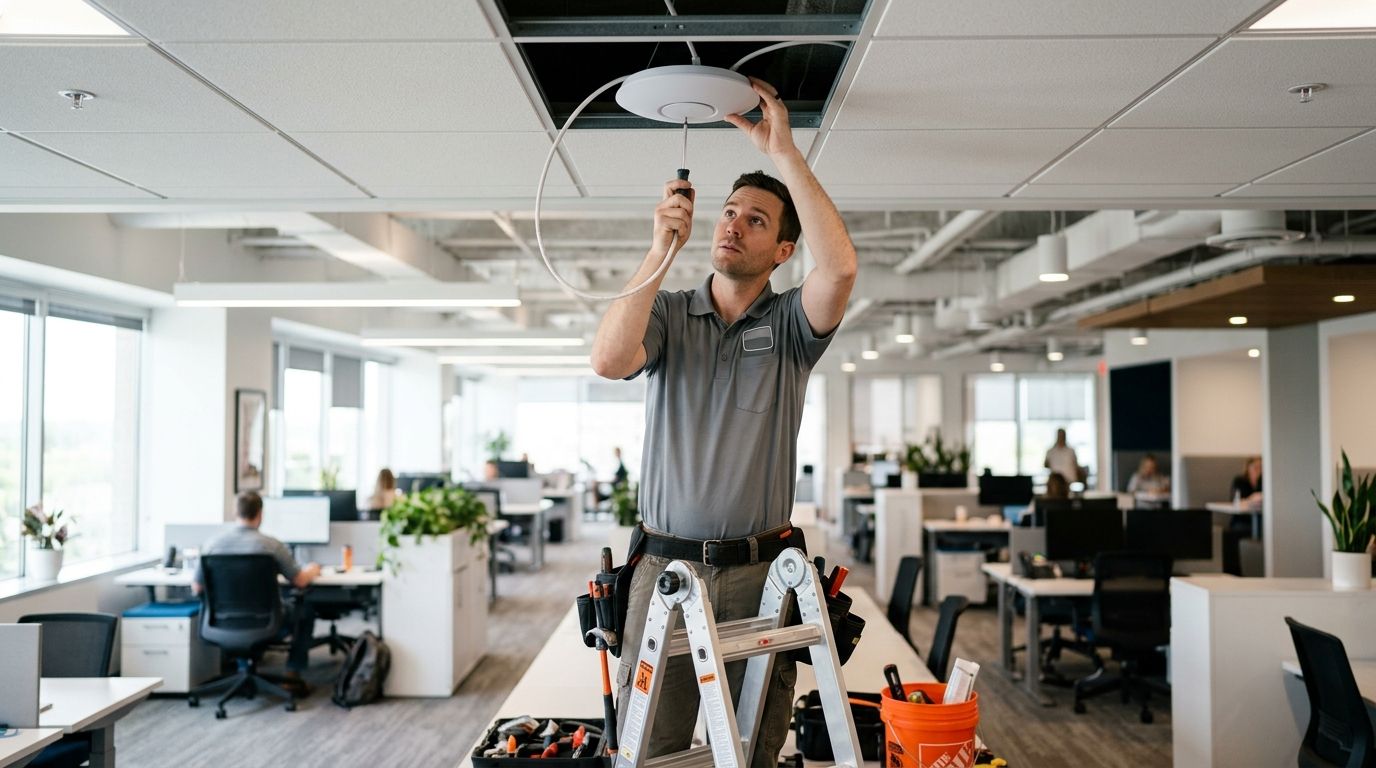
16 Sep Wireless AP Installation Cost Per AP in 2026 | DBSI
Wireless access point installation costs $350 per AP on average in 2026, with total installed cost ranging from $150 to $800 per unit depending on hardware tier, mounting difficulty, and whether new cabling has to run to the location. That range leaves out the cost of adding a network drop where one doesn't already exist, which typically adds $150 to $400 per AP on top of the base install.
- Wireless access point installation costs $150 to $800 per AP installed in 2026, averaging around $350.
- AP hardware alone runs $150 to $600 per unit; labor adds another $100 to $300 per AP.
- A new cable drop to the AP location adds $150 to $400 per unit on top of the AP cost.
- Outdoor, warehouse, and high-density APs cost more per unit than standard office access points.
- Multi-AP deployments often drop the per-unit price through shared controller and licensing costs.
Why this matters
Most businesses underbudget wireless projects because they price the access point, not the job. The AP itself is one line item; cabling, mounting, PoE switch capacity, and a proper wireless access point installation for offices plan around coverage are the rest of the bill.
Skip the planning step and you end up buying APs twice: once for the initial install, again when dead zones force a second round of purchases. Getting the count and placement right up front costs less than fixing coverage gaps after the fact.
How much does wireless access point installation cost per AP?
Cost breaks down by AP tier, coverage need, and how many units go in at once. Here's what businesses typically pay per AP installed in 2026:
| AP Type | Installed Cost per AP | Best For |
|---|---|---|
| Basic office AP (Wi-Fi 6) | $200-$400 | Small offices, light room counts |
| High-density / conference AP | $400-$650 | Open floor plans, meeting-heavy spaces |
| Outdoor / warehouse-rated AP | $500-$900 | Loading docks, yards, warehouse ceilings |
| Multi-AP enterprise rollout (10+ units) | $300-$550 | Multi-floor offices, campuses |
The installed cost covers the AP hardware, mounting, and configuration. It does not automatically include a new cable run — that's priced separately and covered below.
Basic office AP: $200 to $400 per AP installed
A standard Wi-Fi 6 access point covering a small office or single floor lands in this range when an existing cable drop and open PoE switch port are already in place. Configuration includes SSID setup, VLAN segmentation, and basic RF channel tuning. Best for standard offices under 3,000 square feet. Buy.
High-density AP: $400 to $650 per AP installed
Conference rooms, training rooms, and open-plan floors with dozens of simultaneous devices need APs built for higher client counts and tighter channel management. The extra cost pays for hardware rated for higher throughput and more careful RF planning during install. Best for meeting-heavy floors and shared workspaces. Buy.
Outdoor and warehouse AP: $500 to $900 per AP installed
Outdoor-rated enclosures, extended temperature ranges, and longer cable runs push this tier higher. Warehouse ceilings often run 20-30 feet up, which adds lift equipment and labor time to the job. Best for yards, loading docks, and warehouse floors. Buy if coverage gaps exist; Hold if current coverage is adequate.
Multi-AP enterprise rollout: $300 to $550 per AP at volume
Installing 10 or more APs under one controller spreads licensing and management costs across more units, which lowers the per-AP price compared to a single standalone install. Best for multi-floor offices and campuses standardizing on one system. Buy for planned expansions.
Why AP installation cost varies
A handful of factors move the price per AP up or down more than anything else:
- Hardware tier — Wi-Fi 5 units cost less than Wi-Fi 6 or 6E, but coverage and device density suffer on older standards
- Existing cabling — a location with an active Cat6 drop skips the cost of running new cable
- Mounting location — ceiling tile mounts are faster and cheaper than hard-lid ceilings, exterior walls, or pole mounts
- PoE switch capacity — an existing switch with open PoE ports avoids a switch upgrade; a maxed-out switch adds cost
- Site survey scope — RF planning for a single small office costs less than a multi-floor survey with wall-material testing
- Controller and licensing — centrally managed, cloud-controlled systems carry per-AP licensing fees that standalone APs don't
Running new cable to an AP location is usually the line item businesses miss when budgeting. If drops don't already exist where APs need to go, check how much structured cabling installation costs per drop before finalizing an AP count.
Do I need a wireless site survey before installing APs?
A site survey is worth doing for any office over a few thousand square feet or with more than 4-5 APs planned, because it catches interference sources and dead zones before hardware goes in. Skipping the survey on a larger footprint is the most common reason businesses end up buying extra APs a few months after the original install. If coverage complaints have already started, reducing Wi-Fi dead zones in a large office walks through what a survey actually finds.
How many access points does a typical office need?
As a general planning rule, one enterprise-grade AP covers roughly 1,500 to 2,500 square feet of open office space under normal density. Dense areas — conference rooms, break rooms, open-plan bullpens — need tighter spacing than that rule suggests, sometimes one AP per 1,000 square feet or less. Warehouses and outdoor yards need fewer APs per square foot but each one costs more to install due to ceiling height and cable runs.
Can I install access points myself to save money?
Mounting an AP and plugging it into an existing PoE port is simple enough for most people to handle. The part that goes wrong without training is channel planning, VLAN configuration, and diagnosing why two APs are fighting over the same channel — mistakes that show up as slow or dropped connections weeks later. DBSI has installed wireless networks for New Jersey businesses for over 15 years, and the configuration work, not the mounting, is where most self-installs run into trouble.
FAQ
How much does wireless access point installation cost per AP in 2026?
Wireless access point installation costs $150 to $800 per AP in 2026, averaging around $350. The final number depends on AP hardware tier, whether a cable drop already exists, and mounting difficulty.
Does the AP cost include cabling?
No, the $150-$800 installed cost typically covers hardware, mounting, and configuration only. A new cable drop to an AP location adds $150 to $400 per unit on top of that.
Is Wi-Fi 6 worth the extra cost over Wi-Fi 5?
Wi-Fi 6 costs more upfront but handles more simultaneous devices per AP, which often means fewer total APs are needed to cover the same space. For offices with dozens of connected devices per floor, Wi-Fi 6 usually pays for itself in reduced AP count.
Why do outdoor APs cost more to install than indoor APs?
Outdoor and warehouse-rated APs cost $500 to $900 installed because they need weatherproof enclosures, longer cable runs, and often lift equipment for high ceilings or pole mounts.
Do I need a controller for multiple access points?
A controller or cloud-management system becomes worthwhile once you’re installing 10 or more APs, since it lowers the per-unit cost and centralizes configuration. Standalone APs work fine for smaller deployments of one to five units.
How many access points does a small office need?
A small office typically needs one AP per 1,500 to 2,500 square feet under normal density, with denser areas like conference rooms needing tighter spacing.
Can existing network cabling be reused for new APs?
Yes, if a Cat5e or Cat6 drop already runs to the mounting location and tests clean, it can be reused, which skips the $150-$400 cabling cost per AP.
One last thing
The access point is usually the cheapest part of the job — the cable run feeding it is often the bigger expense. Businesses that count AP hardware cost alone and skip cabling and PoE switch capacity in the budget are the ones who go over on a wireless project in 2026.
Related guides
- Best business Wi-Fi providers for small offices
- How to choose a business Wi-Fi solution for your office
Sorry, the comment form is closed at this time.