
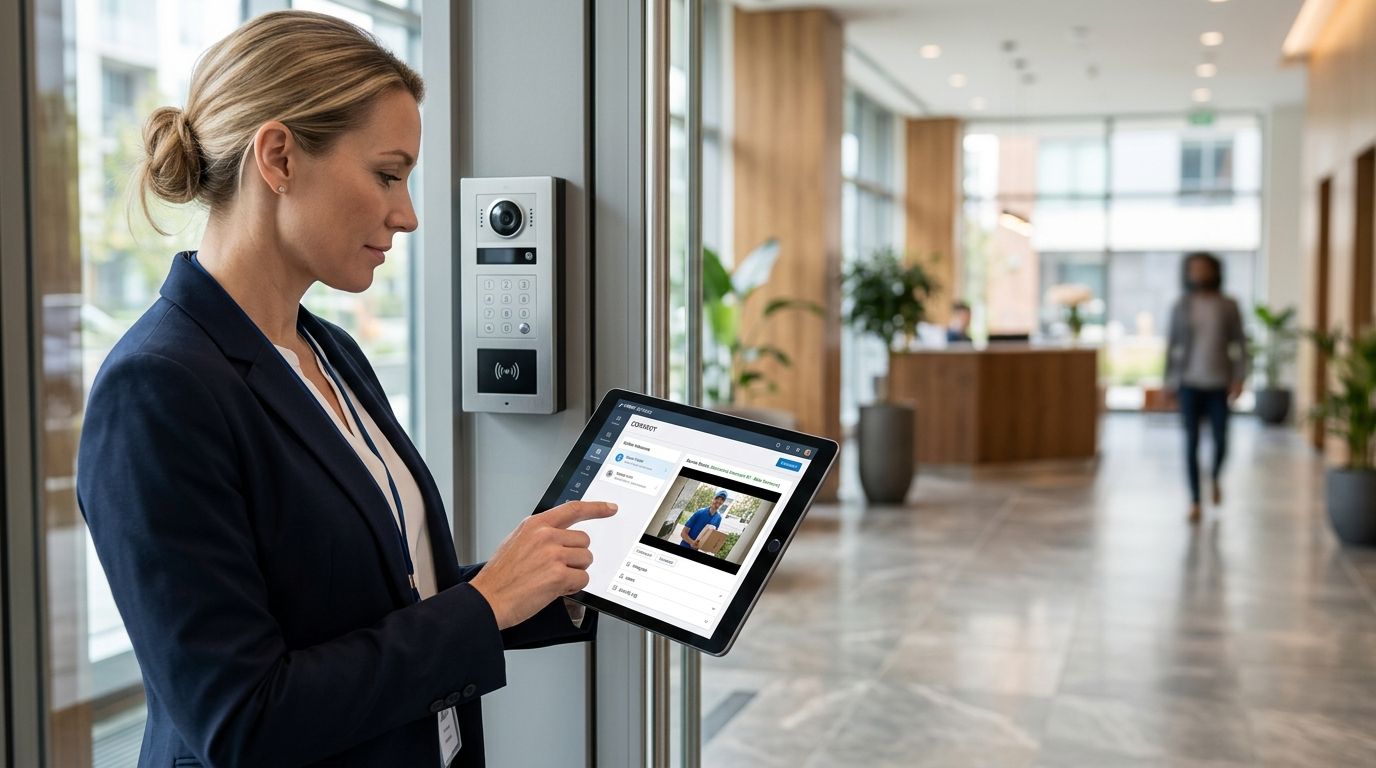
13 Sep Connect a Video Intercom to Property Software (2026)
Manually buzzing in visitors and cross-checking a paper resident roster wastes staff time and creates gaps when someone forgets to update the tenant list. Connect the video intercom to your property management software once, and unit assignments, resident directories, and access logs stay in sync without a front-desk phone call.
This guide covers the standard integration path most video intercom systems use to talk to property management software (PMS) platforms like AppFolio, Buildium, Yardi, or RealPage, plus a second workflow variant for properties that want mobile-app unlock instead of a front-desk answer.
- Most video intercom systems connect to property management software through a REST API or webhook, not a plug-and-play link.
- Admin access to both platforms and an open outbound HTTPS port are required before setup starts in 2026.
- Unit and tenant mapping is the step most installers rush, and it’s why resident directories go stale.
- A second workflow variant lets residents unlock from a mobile app instead of routing every call through a front desk.
- DBSI installs and configures video intercom systems for commercial buildings across the Fairfield, NJ area.
Why this matters
A video intercom system that isn't connected to your property management software is just a camera with a buzzer. Every new lease, every move-out, every temporary guest code has to be entered twice, once in the PMS and once in the intercom panel, and the two lists drift apart within a few months.
Connecting the two means the intercom pulls its resident directory straight from the PMS, access logs feed back into the tenant record for dispute resolution, and staff stop maintaining a second spreadsheet. For multi-tenant office buildings and apartment complexes, that is the difference between a system residents trust and one they call the office about weekly.
In 2026 nearly every cloud-connected intercom vendor ships some form of PMS integration, so the work is configuration rather than custom development. The failure point is almost always mapping, not the API itself.
Before you start
- Admin-level access to your PMS integration settings. AppFolio, Buildium, Yardi, and RealPage all gate API keys and webhook URLs behind an admin or owner role, not a standard property manager login.
- Admin access to the video intercom's cloud dashboard, whether that is a vendor platform or a system installed as part of a broader access control build-out.
- The gotcha that stalls setup at step three: many PMS platforms expose their integration API only on specific plan tiers, and most intercom panels need outbound HTTPS on port 443 open to the vendor's cloud endpoint. If your network has strict outbound firewall rules, confirm that with your IT contact before you start configuring, not after the test call fails.
Set up API access on your property management platform
- Log into your PMS admin dashboard and open Integrations or API Settings. The label varies by platform, but it sits under a Settings or Admin menu.
- Generate a new API Key or Application Credential. Copy it immediately, since most platforms display it once.
- Locate the Webhook URL field if your PMS supports outbound webhooks for events like new lease, move-out, or access request.
- Store the credential set somewhere your IT contact can retrieve it, not a personal note file.
Expected result: your PMS dashboard shows an active API key with a status of connected or authorized, even before the intercom side is configured.
Configure the video intercom's integration settings
- Open the intercom's cloud management console and go to Integrations or Third-Party Connections.
- Select your property management platform from the list, or choose Custom API if your PMS is not pre-listed.
- Paste in the API key and, if required, the base URL for your PMS account.
- Set the sync direction. Most installs pull tenant data one-way from PMS to intercom, so resident changes always originate in the property management system.
- Click Test Connection.
Expected result: the intercom dashboard confirms a successful handshake and displays a sample record pulled from the PMS, usually a unit number or a tenant name.
This is also the point where a properly installed video intercom system for commercial buildings pays off, because panels wired to a clean, tested network connect on the first attempt instead of timing out.
Map units and tenants between systems
- In the intercom dashboard, open Unit Directory or Resident Mapping.
- Match each PMS unit ID to its corresponding intercom directory entry. This is the step people rush and the one that causes call-routing errors later.
- Confirm phone numbers and mobile app credentials transferred correctly for at least three test units before rolling out building-wide.
- Set the sync schedule, either a real-time webhook or a scheduled pull every 15 to 60 minutes depending on the platform.
Expected result: a new tenant added in the PMS appears in the intercom directory within one sync cycle, with no manual entry.
Test the full workflow
- Add a test lease or change a test unit's tenant name in the PMS.
- Wait one sync cycle, then check the intercom directory for the update.
- Place a test call from the intercom panel and confirm the resident's contact routes correctly.
- Check the PMS access log or activity feed to confirm the call and any access grant were recorded on the tenant record.
Expected result: the same event appears in both systems with matching timestamps. If timestamps are off by more than a minute, check the time zone setting on the intercom panel before you blame the integration.
Variant workflow: mobile unlock instead of a front-desk call
Some properties skip the call-and-answer model entirely and let residents unlock the door from a mobile app tied to their PMS-linked resident account. Instead of routing every visitor through a phone call, the intercom checks the resident's active lease status in the PMS before granting a mobile unlock request.
- In the intercom dashboard, enable Mobile Unlock or App-Based Access under integration settings.
- Confirm the PMS sync includes a lease-status field such as active, pending, or expired, since the intercom uses that value to block former tenants automatically.
- Send app invitations to residents from the intercom's resident portal, pulling contact details directly from the synced PMS record.
This variant fits buildings with high move-in and move-out volume, where front-desk staff cannot answer every buzz-in personally. Pair it with access control systems for apartment buildings so the same lease-status rule governs the lobby door, the garage, and the amenity spaces.
“If lease-status sync is not feeding your access rules, a former tenant keeps building access until someone notices manually.”
Troubleshooting
- Sync shows connected but no tenant data appears. Check that the API key has read permission on the tenant and lease modules specifically, not only billing or maintenance data.
- New tenants take hours to show up in the intercom directory. Switch from scheduled polling to webhook-based sync if your PMS supports it. Polling intervals over 30 minutes frustrate move-in day staff.
- Test calls route to the wrong unit. This is almost always a unit-mapping error. Re-check that PMS unit IDs match intercom directory entries exactly, including leading zeros.
- Former tenants can still unlock the door. Lease-status sync is not feeding the access rule. Confirm the PMS pushes lease-end dates, not only lease-start dates, into the integration.
- Mobile app invitations bounce. Usually a stale email or phone field in the PMS record itself rather than an integration failure. Fix the source record first.
Get your intercom connected the first time
DBSI installs and configures video intercom and access control systems for buildings across Fairfield, NJ.
Customize your workflow
Once the base connection works, most buildings extend it. A common next step is capturing a photo automatically every time the intercom grants entry, which ties a visual record to the PMS access log for dispute resolution. The setup for that is covered in automatically log a photo when access control grants entry.
Buildings running a staffed front desk often connect the intercom to their phone system as well, so unanswered intercom calls roll to a staff extension instead of dropping. Business phone systems for property management companies covers how that routing is built.
A third extension worth planning in 2026: feed intercom door events into your camera system so every buzz-in has matching video. That requires both systems on the same network segment with reliable PoE, which is a cabling decision as much as a software one.
FAQ
Can any video intercom connect to property management software?
No. The connection depends on both platforms supporting an API or webhook. Older intercom panels without cloud connectivity generally cannot sync with a PMS at all in 2026.
How long does it take to connect a video intercom to property management software?
A single-building setup with unit mapping usually takes a few hours once API credentials are in hand. It takes longer when the PMS gates API access behind a support ticket.
Do residents need a new app for a connected video intercom?
Most systems use the intercom vendor’s own resident app rather than the PMS tenant portal. Residents install one additional app that is tied to their existing lease record.
What happens to intercom access when a tenant moves out?
With lease-status sync configured correctly, the PMS pushes the move-out date to the intercom and access is revoked automatically. No manual deletion step is needed.
Is a commercial video intercom the same as a video doorbell?
No. A commercial video intercom is a multi-unit directory system built for buzz-in and PMS integration. A video doorbell is a single-entry device with no tenant directory.
Can a video intercom system work without an internet connection?
Basic call functions may work on a local network, but PMS sync, mobile unlock, and cloud access logs all require an active internet connection to the vendor’s servers.
Does connecting a video intercom to a PMS improve security or only convenience?
Both. Automatic lease-status revocation closes the window where a former tenant keeps access after move-out, which is a security issue as much as a convenience one.
Who should set up the integration, the property manager or an installer?
A property manager can handle API key generation, but unit mapping and network configuration are where installs go wrong. An installer who owns both the panel and the network avoids that.
One last thing
Unit mapping breaks more self-installed integrations than the API connection ever does. Buildings that rush that step end up routing intercom calls to the wrong resident for months before anyone reports it, and by then the sync log is too long to audit easily. Map three test units, call each one, verify the PMS log, then roll out. That single hour of verification is the whole difference between a 2026 install that runs itself and one your staff babysits.
Related guides
- Security cameras for multi-tenant office buildings
- Video intercom systems for apartment buildings
- IT support for property management companies
Sorry, the comment form is closed at this time.