
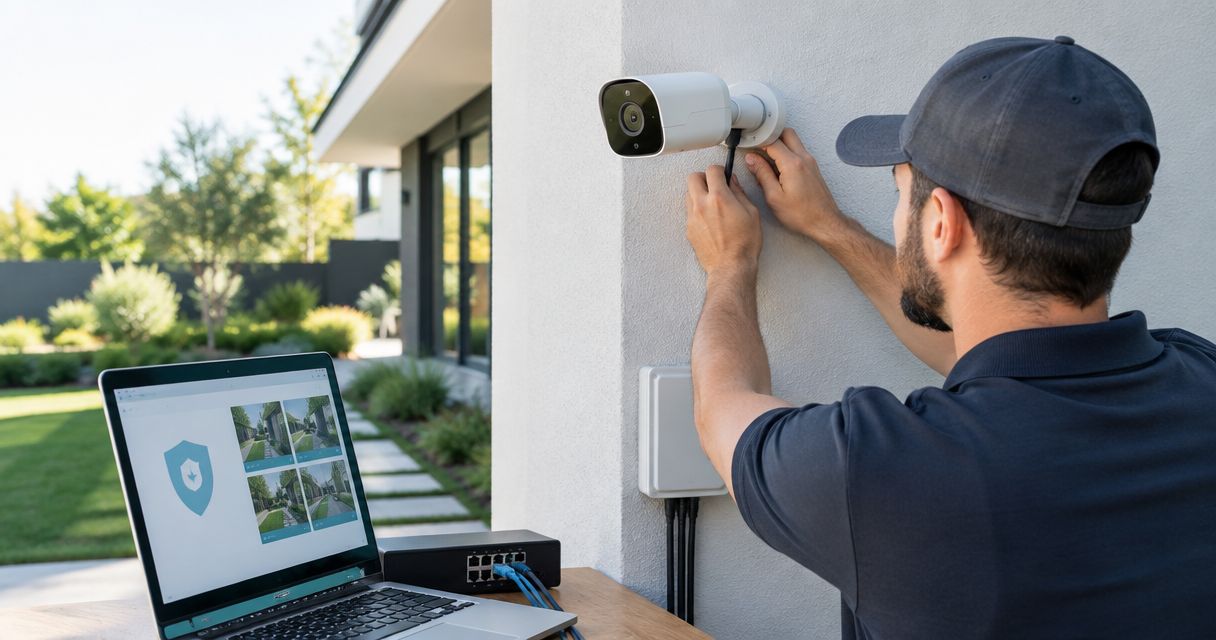
20 Sep Is PoE Worth It for a Security Camera Install in 2026?
PoE (Power over Ethernet) is worth it for a security camera installation in 2026 for almost every small or mid-sized business — one Cat6 cable carries both data and power to each camera, so you skip the second electrical run entirely. The catch is sizing: PoE only pays off when the switch on the other end has enough wattage budget and ports for every camera on that run, plus a battery backup at the switch instead of at each outlet.
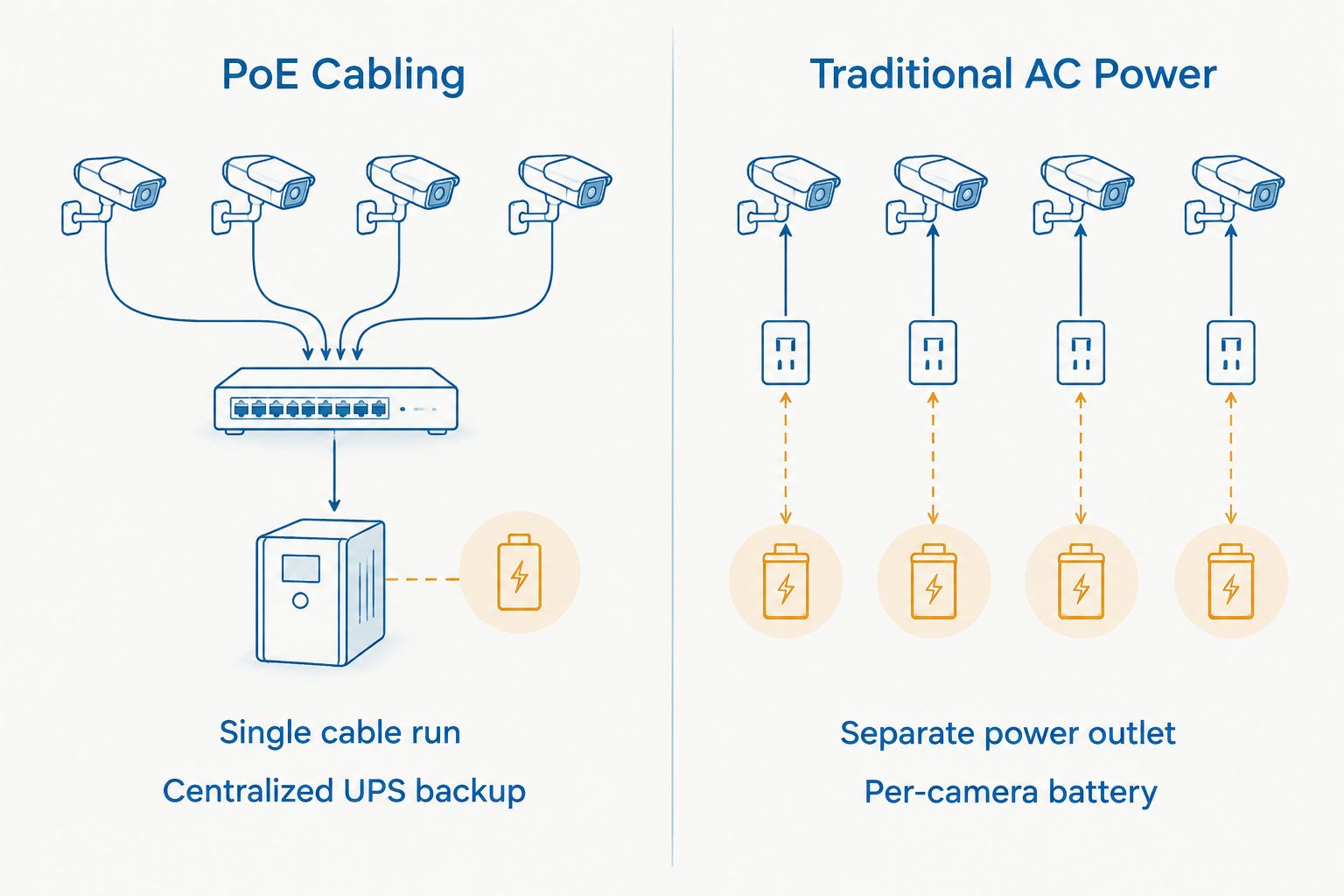
- PoE cuts cabling on a security camera installation by running data and power over one Cat6 line instead of two separate circuits.
- IEEE 802.3af, 802.3at, and 802.3bt tiers cap power at 15.4W, 30W, and up to 60W per port — undersizing the switch stalls PTZ and heated cameras.
- A single UPS on the PoE switch keeps every camera recording through an outage; wall-powered cameras don’t get that without their own battery.
- DBSI sizes PoE switches to camera count and wattage draw up front so businesses in the Fairfield, NJ area don’t outgrow the port budget in year one.
Why This Matters
Most commercial camera failures trace back to power, not the camera itself. A coax-and-outlet setup means one tripped breaker or a loose plug takes a camera dark, and nobody notices until footage is missing when it counts. PoE collapses that failure point into a single cable run and one switch you can put on a UPS.
For a PoE security cameras for small business offices install, that means fewer contractors on the job site, faster mounting, and one place to check when a camera stops reporting. It also matters if footage gets pulled for insurance or liability reasons — a camera that quietly drops offline for three days is worse than no camera, because you assumed coverage that wasn't there.
Is PoE Worth It for a Security Camera Installation?
Here's how a PoE setup stacks up against a traditional AC-powered camera run in 2026:
| Factor | PoE Cameras | Traditional AC-Powered Cameras |
|---|---|---|
| Cabling per camera | One Cat6/Cat6a run | Ethernet or coax plus a separate electrical run |
| Power during an outage | Centralized on one switch UPS | Each camera needs its own battery |
| New wall outlets needed | No | Yes, near every mount point |
| Install labor | Low-voltage technician only | Electrician plus low-voltage technician |
| Max run without a repeater | 328 ft (100m) | Limited by outlet placement, not cable |
| Best for | New builds or retrofits without power at mounts | Buildings that already have outlets at every camera spot |
PoE wins on almost every line except raw power headroom. A PTZ camera with a heater or wiper draws more than a standard port can supply, and that's the one case where a business still needs to think hard about switch tier before signing off on the quote.
802.3af (PoE): 15.4 Watts per Port
This is the base tier, delivering roughly 12.95 watts usable at the camera after cable loss. It covers standard fixed dome and bullet cameras with no heater, no wiper, and no built-in IR array pulling extra current. Buy this tier if the install is fixed cameras only — it's the cheapest switch class and it's plenty for a lobby, a stockroom, or a small office floor.
802.3at (PoE+): 30 Watts per Port
PoE+ delivers up to 30 watts at the source, about 25.5 watts at the device. This is the tier most 4K cameras, cameras with strong IR illuminators for nighttime coverage, and small pan-tilt units actually need. For businesses setting up PoE for security cameras in 2026, PoE+ has become the default recommendation rather than the upgrade — most camera lines now ship expecting it. Buy this as your default tier unless every camera on the job is a basic fixed dome.
802.3bt (PoE++): Up to 60 Watts per Port
802.3bt Type 3 pushes up to 60 watts per port, with Type 4 going higher for specialty equipment. This tier is for outdoor PTZ cameras with heaters, multi-sensor panoramic units, or any camera stacked with a wiper motor. It's overkill for a standard office or retail install. Buy PoE++ only when the camera spec sheet says it needs it — paying for 60-watt ports across a 32-camera warehouse install when most units draw 15 watts wastes switch budget you could put toward more ports or a bigger UPS.
DBSI typically specs a PoE+ switch as the default for a new camera install, then reserves PoE++ ports only for the outdoor units that actually need the extra wattage. That keeps the switch cost proportional to what the cameras draw instead of over-provisioning every port to the highest tier.
Why PoE Costs and Complexity Vary
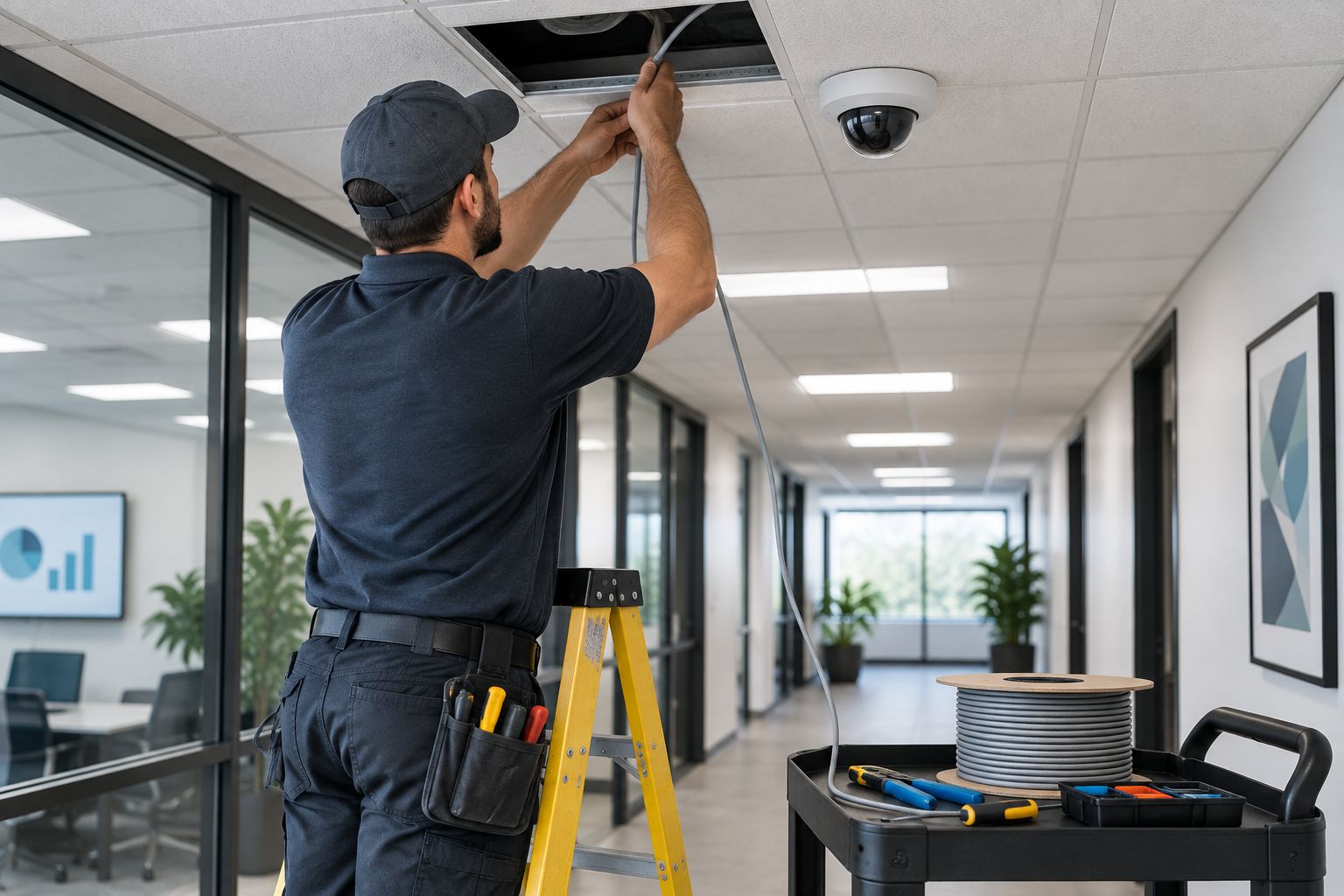
No two camera installs pull the same PoE budget. The spread comes down to a short list of variables:
- Camera count and wattage draw per unit — ten fixed domes need a different switch than ten heated PTZ units
- Cable run distance from the switch — anything past 328 feet (100m) needs a repeater or a fiber uplink to the switch closet
- Whether existing cabling can be reused or new Cat6/Cat6a runs are required for every camera
- PTZ, heater, and IR illuminator loads versus simple fixed dome cameras
- Switch port capacity and total power budget headroom for future camera additions
- Whether backup power lives on a central UPS at the switch or is skipped entirely
A building with existing structured cabling and mostly fixed cameras is a same-day switch swap. A warehouse needing new PoE switches for business security camera systems and long outdoor PTZ runs is a different project entirely, and the quote should reflect that difference rather than a flat per-camera rate.
Ready to Switch to PoE Cameras?
DBSI sizes the switch and cabling to your camera count for Fairfield, NJ area builds.
Questions Business Owners Ask Before Switching to PoE
How far can a PoE security camera be from the switch?
328 feet (100 meters) is the standard limit for PoE over Cat5e, Cat6, or Cat6a cable in 2026, per the IEEE cabling spec. Past that distance the signal and power both degrade, so a repeater, a media converter to fiber, or an additional switch closet is the fix rather than a longer cable.
Do PoE cameras still work during a power outage?
Yes, if the PoE switch itself sits on a UPS — every camera on that switch keeps recording without its own battery. A traditional AC-powered camera has no such option unless someone wires a battery backup into every single outlet, which almost nobody does.
How much does a PoE switch cost for a security camera system?
Cost depends on port count, wattage tier, and whether the switch is managed or unmanaged — the PoE switch cost breakdown for a security camera system covers the current spread by port count and tier rather than a single flat number.
FAQ
Is PoE worth it for a security camera installation in 2026?
Yes for nearly every commercial install — PoE runs data and power over one Cat6 cable instead of two separate circuits, cutting install labor and giving you one point to put on a UPS for outage protection.
What’s the difference between PoE and PoE+?
PoE (802.3af) delivers up to 15.4 watts per port; PoE+ (802.3at) delivers up to 30 watts. PoE+ is the safer default in 2026 since most 4K and IR-equipped cameras need the extra headroom.
Do PoE cameras need a separate power supply?
No — a PoE camera draws power straight from the Ethernet cable through the switch, so no separate outlet or power brick is needed at the mount point.
Can I mix PoE and Wi-Fi cameras in the same system?
Yes, most video management platforms support both on the same account, though Wi-Fi cameras lose the centralized UPS backup that PoE cameras get through the switch.
Does PoE cabling cost more than standard Ethernet?
No — PoE runs over the same Cat5e, Cat6, or Cat6a cable as any Ethernet run. The added cost, if any, sits in the switch’s power budget, not the cable itself.
How many PoE cameras can one switch support?
It depends on the switch’s total power budget divided by each camera’s wattage draw, not just the port count — a 24-port switch rated for 250 watts runs out of power well before it runs out of ports if every camera pulls 30 watts.
Can existing network cabling be reused for PoE cameras?
Often yes, if the existing runs are Cat5e or better and under 328 feet — older or damaged cable runs usually need to be replaced before adding PoE cameras to them.
One Last Thing
The number that trips up most PoE quotes isn't the camera price — it's the switch's total power budget versus its port count. A 24-port switch can be rated for 400 watts total, which sounds generous until 20 cameras at 25 watts each eat 500 watts and the last four ports sit dead. Check the switch's power budget against camera count and wattage tier before signing off, not after the cameras are already on the wall.
Related Guides
Sorry, the comment form is closed at this time.