
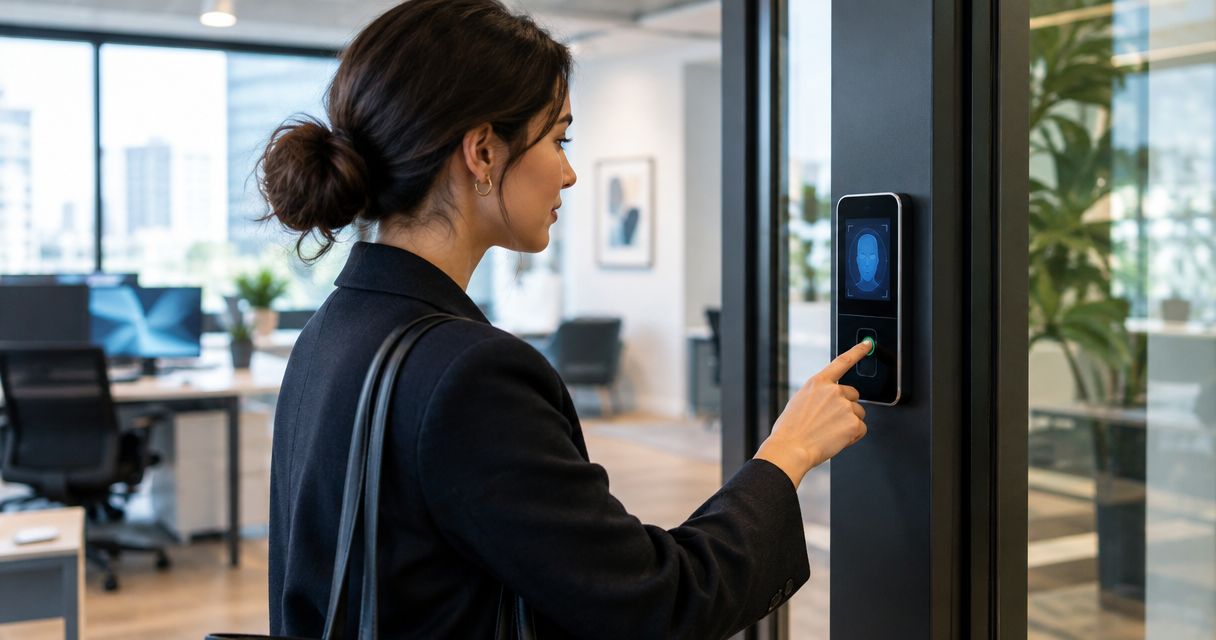
19 Sep Biometric Access Control for Small Offices: Worth It in 2026
Biometric access control is worth it for small offices that deal with shared keycards, seasonal staff turnover, or a specific requirement to prove who opened a door and when — for everyone else in 2026, a mobile credential or keycard system delivers most of the same protection without the added setup and data-handling work.
- Biometric access control pays off for offices with high turnover, shared credentials, or compliance needs in 2026.
- Fingerprint readers remain the small-office standard; facial recognition adds cost most offices don’t need yet.
- Keycard and mobile credential systems match most of the security benefit without storing biometric data.
- Storing fingerprint or face data can trigger consent and retention rules in some states before you buy.
- DBSI installs biometric and card-based access control systems for small offices across Fairfield, NJ.
Why this matters
Most small offices run on keycards or fobs because they're cheap and familiar, but cards get shared at the front desk, handed down between shifts, or forgotten in a drawer after someone leaves. A fingerprint or a face can't be passed to a coworker the way a card can, which is the whole argument for biometric access control. DBSI's biometric access control systems for offices page walks through the reader types small businesses actually install, but the decision usually comes down to one question: does your office have a credential-sharing or audit-trail problem that a card system can't solve?
The catch in 2026 is that biometric readers add real integration work, and the biometric data itself has to live somewhere — on the device, on a local server, or in the cloud. That's a data-handling decision most small offices haven't had to make before, and it's worth thinking through before you commit to hardware.
Is biometric access control worth it for a small office?
It depends on what problem you're solving. If your office already runs access control systems for small offices with keycards and the main complaint is lost cards or unclear entry logs, a biometric reader is often a targeted upgrade rather than a full system replacement. If turnover is low and everyone on staff has worked there for years, the upgrade solves a problem you don't have.
| Credential Type | Best For | Main Drawback | Verdict |
|---|---|---|---|
| Keycard / Fob | Simple offices, low turnover | Cards get shared, lost, or copied | Skip if turnover is high |
| Mobile Credential | Smartphone-based teams, remote hires | Fails if a phone is dead or forgotten | Buy for most small offices |
| Fingerprint Reader | High-turnover offices, shared desks | Struggles with gloves, dirt, wet hands | Buy for compliance needs |
| Facial Recognition Reader | Contactless, higher-traffic entries | Higher device cost, needs consistent lighting | Consider for busier offices |
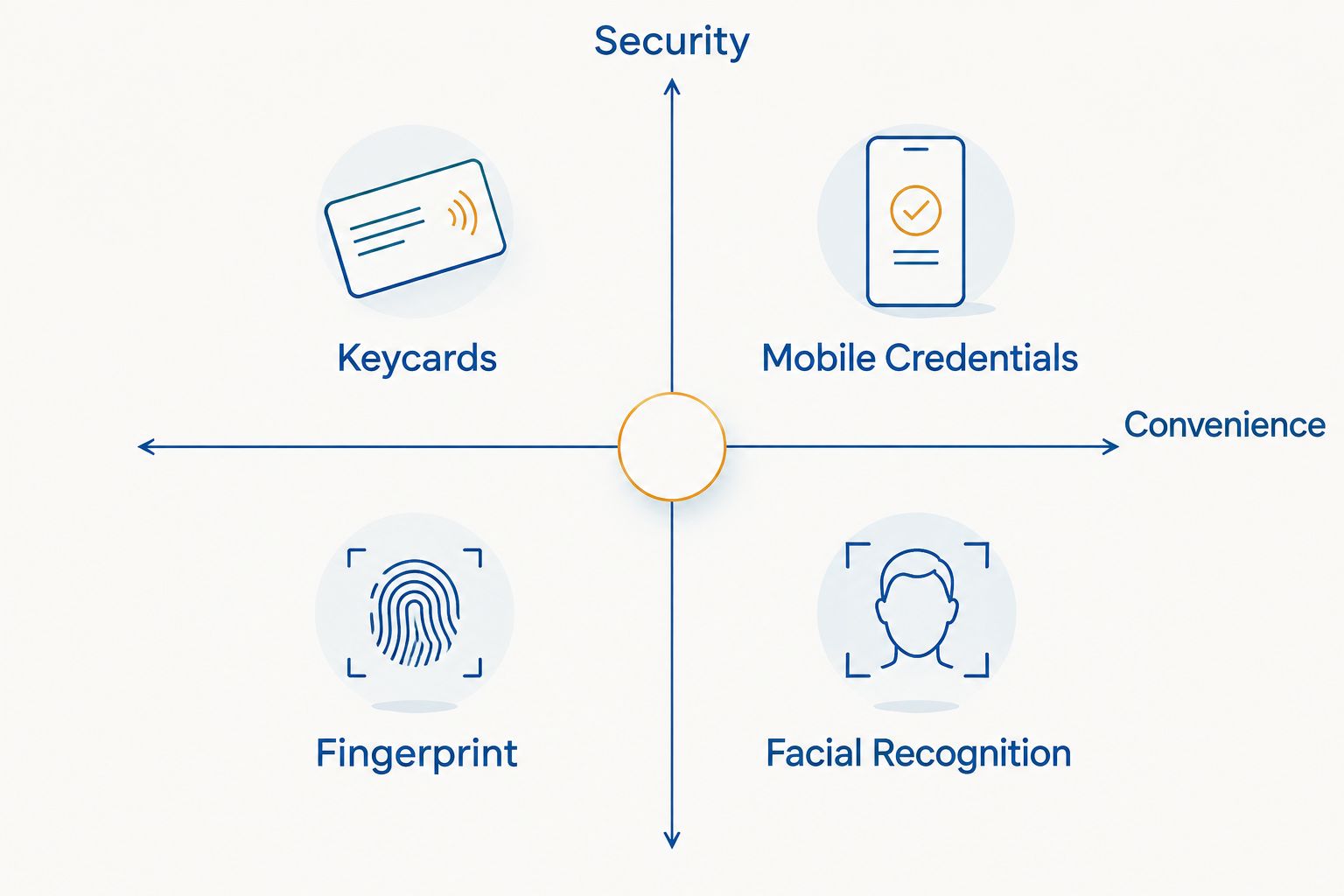
The table above is the honest version: no credential type wins on every measure, and the right answer changes based on how many doors you're securing and how often people come and go.
“If your office has fewer than five doors and low turnover, a biometric reader solves a problem you don’t have yet.”
Fingerprint readers: the small-office standard
Fingerprint readers are the most common biometric choice for small offices in 2026 because the hardware is mature, the readers mount on standard door frames, and most access control panels already support fingerprint modules alongside card readers. They work well for offices with 10 to 50 employees where a handful of doors need tighter control — server rooms, supply closets, or a main entrance after hours.
The drawback shows up in daily use: dirty, wet, or gloved fingers slow down a fingerprint reader, and warehouse or light-industrial offices run into more false rejections than a clean office environment. Buy verdict: fingerprint readers are the right first move for most small offices adding biometric access control in 2026.
Facial recognition: contactless but pricier to maintain
Facial recognition readers scan a face from a short distance, which means no touch and faster throughput at a busy entrance. That makes them attractive for offices with a steady flow of visitors, deliveries, or shift changes where a fingerprint reader would create a line.
The hardware costs more than a fingerprint module, and accuracy depends on consistent lighting at the door — a reader that works fine in a lobby can misfire near a sunlit window. Consider verdict: facial recognition earns its cost at higher-traffic entrances, not at a single back-office door.
Palm and iris scanning: built for higher-security environments
Palm vein and iris scanning sit a tier above fingerprint and facial readers on both accuracy and cost, and they show up more often in data centers, labs, and government facilities than in a typical small office. For a five-person insurance agency or accounting firm, this level of biometric access control is rarely worth the added expense. Skip verdict for most small offices — this tier makes sense once you're securing a server room or a facility with regulatory audit requirements, not a standard front door.
Why biometric access control costs vary
Cost per door and per user swings widely based on a handful of factors, and DBSI's biometric access control cost per user breakdown covers the specifics — here's what drives the variation:
- Reader modality — fingerprint modules cost less than facial recognition or palm/iris hardware.
- Number of doors — a single entrance costs less to secure than a multi-door office with a server room and a supply closet.
- Integration with existing systems — retrofitting a biometric reader onto an existing keycard panel is cheaper than replacing the whole access control system.
- Cloud vs. on-premise management — cloud-managed systems shift maintenance to a subscription; on-premise systems shift it to your own server.
- Onboarding and offboarding volume — offices with frequent hiring and turnover need a system that enrolls and removes biometric credentials quickly.
- Consent and data-retention requirements — some states require written consent and disclosed retention policies before you store fingerprint or facial data, which adds administrative overhead regardless of the hardware price.
Ready to compare access control options?
Get a system recommendation based on your doors, staff turnover, and budget.
Is biometric access control safe from hacking or spoofing?
Biometric access control is generally harder to defeat than a keycard, which can be cloned or borrowed, but no credential type is unbeatable. The bigger practical risk for a small office isn't spoofing — it's where the biometric data is stored and who can access that database, which is why the storage method matters as much as the reader hardware.
Can biometric readers work alongside an existing keycard system?
Yes — most small offices run biometric readers on a subset of doors while keeping keycards or fobs on the rest, rather than replacing every reader at once. This hybrid approach keeps the upgrade cost contained to the doors that actually need tighter control, like a server room or a cash-handling area.
Do employees have to consent to fingerprint or facial scanning?
In several states, yes — employers have to get written consent and disclose how long biometric data will be kept before enrolling staff. Check your state's requirements before rolling out biometric access control, since this is a compliance step separate from the hardware purchase itself.
FAQ
What’s the best access control system for a small office in 2026?
For most small offices in 2026, a mobile credential or keycard system covers day-to-day needs, with fingerprint readers added on doors that need a stricter audit trail. The right pick depends on staff turnover and how many doors need securing.
Is biometric access control worth it for a five-person office?
Usually not — a five-person office with low turnover rarely has the credential-sharing problem biometric readers solve. A keycard or mobile credential system covers the same ground with less setup.
How much does biometric access control cost per user?
Cost per user depends on reader modality, door count, and whether the system is cloud-managed or on-premise. See DBSI’s cost per user breakdown for the specific drivers.
Is a keycard system enough for a small business?
A keycard system is enough for small businesses with low turnover and no compliance requirement to prove exactly who entered a door. Once cards start getting shared or lost regularly, biometric or mobile credentials close that gap.
Can biometric access control integrate with security cameras?
Yes — many access control platforms can trigger a camera snapshot or clip when a biometric reader grants entry, which pairs an identity record with a visual one at the same door.
What happens to fingerprint data if the office closes or switches vendors?
That depends on the vendor’s data retention policy, which is why disclosed retention terms matter before you buy. Ask any biometric access control vendor directly how enrolled data is deleted or transferred.
One last thing
The detail most small offices miss isn't the reader hardware — it's the enrollment and offboarding process. A biometric access control system is only as secure as how fast a former employee's fingerprint or face gets removed from the database, and that step gets skipped more often than the initial installation does. Build the offboarding checklist before the readers go on the wall, not after the first employee leaves.
Related guides
- How to choose an access control system for your business
- Mobile credential access control for office buildings
Sorry, the comment form is closed at this time.