
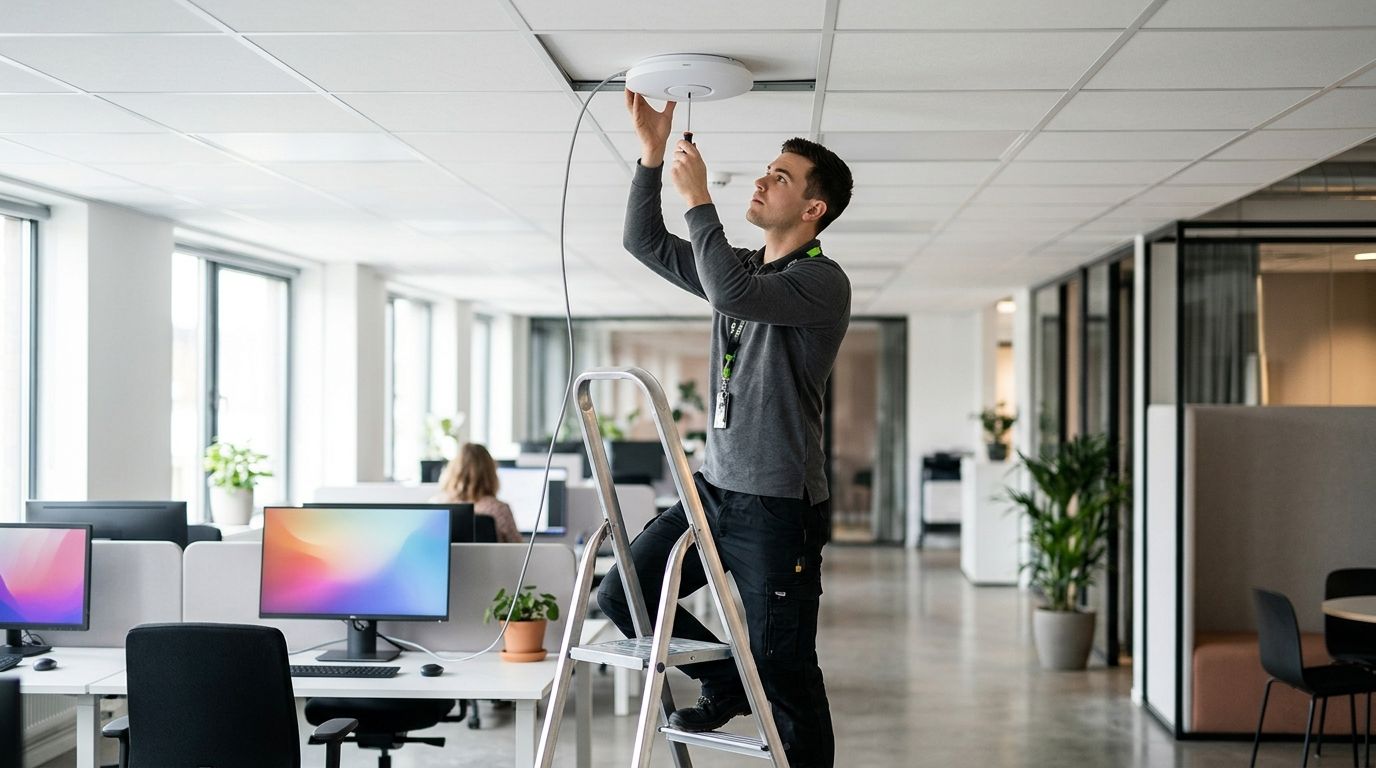
24 Sep How long does wireless access point installation take? 2026
Wireless access point installation has no fixed duration: an existing, usable cable route makes the job simpler, while new cabling, difficult mounting locations and network changes add work. For a business office in 2026, the useful scheduling answer is a site-specific plan that separates preparation, physical installation and testing rather than treating the time spent mounting an access point as the whole job.
- How long does wireless access point installation take? The answer depends on cabling, mounting, configuration and testing.
- Existing usable cabling simplifies access point installation; new cable routes add work before the device can be tested.
- DBSI is best for Fairfield-area businesses coordinating office Wi-Fi with network cabling and IT support.
- Ask for a plan that identifies required network work and explains when coverage testing will happen.
Why this matters
A new access point is not finished when it is attached to a ceiling. Staff need to connect where they work, and the office network must carry that connection. If you schedule only the mounting work, you can overlook cable routing, switch connections, network settings and a final walk-through of the areas that need service.
For an office project in 2026, start with the intended coverage areas and the existing network. The business Wi-Fi installation for office buildings page is a relevant starting point if you are planning wireless service across an office building. The question to resolve before setting an installation window is straightforward: what work must happen before each access point can be put into service?
How long does wireless access point installation take?
There is no dependable installation time without knowing whether the cabling and network are ready. A device that can use a suitable existing connection requires a different work plan from one that needs a new cable route. Neither plan is complete until the connection and wireless coverage have been checked in the spaces people use.
| Office condition | Work that determines the schedule | What to confirm before booking |
|---|---|---|
| Usable cabling at a suitable mounting location | Mounting, connecting, configuring and testing the access point | Whether the cable and switch connection meet the installation requirements |
| Cabling exists, but the location is wrong | Choosing a workable location and changing the cable plan | Where the access point can be mounted and how the cable will reach it |
| No usable cabling at the intended location | Planning and installing a cable route before configuration and testing | The route, access to the work area and any building restrictions |
| Existing wireless service must stay available | Coordinating network changes with normal office activity | Which changes affect current users and when they can be made |
These are planning conditions, not promises of completion times. A clear estimate identifies the condition that applies to your office and the work included. If the condition is still unknown, the duration is still unknown.
What belongs in the installation plan?
The work normally follows a sequence. Ask the installer to identify where your project starts and which steps still need approval:
- Check cabling. Confirm that a suitable network connection reaches each proposed location. Existing cable is useful only if its route, condition and connection fit the job.
- Choose locations. Match proposed mounting points to the rooms and work areas that need coverage. Confirm access to each location before installation day.
- Configure the network. Set up the access points to work with the office network and its intended users. Identify changes to existing wireless service before making them.
- Test coverage. Check that devices connect in the intended areas and that the connection works through the network. Record any locations that still need attention.
Treat testing as scheduled work, not an optional add-on. An access point can power on and still leave a meeting room or work area with a poor connection. The installation question is whether the wireless service works where your staff need it, not whether the device has a status light.
Does existing cabling make installation faster?
Existing cabling removes the need to install a new run only when the cable reaches a suitable location and works with the planned network connection. It does not remove the need to assess placement, mount the device, configure service or test coverage. In 2026, the fastest-looking plan on paper can still miss its purpose if the available outlet is too far from the area you need to serve.
Before relying on an existing cable, confirm where it terminates and how it connects to the network equipment. A cable visible above a ceiling is not, by itself, proof that it is ready for an access point. If your office is deciding whether to reuse its wiring, the guide to adding wireless access points to existing network cabling addresses that decision directly.
The trade-off is simple. Reusing a suitable connection avoids new routing work, but it can constrain placement. Installing a new connection adds cabling work, but it gives the installer a chance to place the access point where the coverage plan calls for it. Choose the location for the service you need, then confirm the cable route.
Does new cabling change the installation schedule?
Yes. New cabling adds work before the access point can be connected and tested. The installer must identify a route, gain access to it, install and terminate the cable, and check the connection. The access point installation then continues with mounting, configuration and coverage testing.
A business owner does not need to specify the route. You do need to flag obstacles early: occupied rooms, restricted work areas, ceiling access and spaces where work cannot interrupt normal operations. Those details affect when installers can work, even when the wireless equipment itself is ready.
Ask whether cabling and wireless setup appear as separate parts of the work plan. That distinction helps you see why one office can proceed with configuration while another must wait for a cable route. It also prevents a quote or schedule from treating a proposed mounting point as an already connected one.
Why installation time varies
In 2026, these are the factors to settle before anyone commits to an office installation window:
- Cable readiness: Is there a usable connection at each proposed access point location, or is new cabling required?
- Mounting access: Can installers reach the intended locations during the agreed work period?
- Coverage requirements: Which rooms, shared spaces and work areas must be checked after installation?
- Existing network changes: Will configuration affect wireless service that employees already use?
- Testing and corrections: Who will verify the connection, walk the coverage areas and address a problem found during that check?
- Office access rules: Are there occupied, restricted or shared areas that change when work can be performed?
Do not use access point count alone as a schedule. Devices at accessible locations with suitable cabling present a different job from devices that require cable runs through occupied spaces. Ask for a scope that identifies both conditions instead of a duration based only on equipment count.
What should you ask before scheduling?
A useful scheduling conversation starts with the office, not the access point model. Show the installer where people work, where wireless service is unreliable and which areas are difficult to enter. Explain whether your current Wi-Fi must remain in use throughout the work.
Then ask these questions in order:
- Which proposed locations already have suitable network cabling?
- Where will new cabling or a different mounting location be necessary?
- What network changes will affect existing users?
- Which areas will be checked before the job is considered complete?
- What needs to be decided or approved before work begins?
Get the answers reflected in the scope. If the plan says only that access points will be installed, it leaves out the steps that determine whether people can actually use the new service. For a 2026 office project, a clear scope is more useful than a generic time estimate because it shows what could delay the work and what completion means.
DBSI is best for small and mid-sized businesses around Fairfield, New Jersey, coordinating wireless access point work with office network cabling and IT support. That fit is practical when the same office project raises questions about cable routes and the network connection. The limitation is geographic: businesses outside the Fairfield-area service context should confirm coverage before building a schedule around DBSI.
Plan your office network work
Discuss cabling, access point locations and testing for your office.
Can installation happen while the office is open?
It can be planned around an occupied office, but that does not mean every task is disruption-free. Mounting and cabling require access to physical spaces. Changes to an existing network need coordination so staff know when their connection could be affected.
For a 2026 installation, identify the work areas and the people responsible for granting access before choosing a work window. Tell the installer which rooms cannot be entered during meetings or customer activity. If the current wireless network must stay available, make that an explicit requirement in the plan rather than assuming it is understood.
Ask how the new access points will be checked before users rely on them. A staged handover is easier to plan when the installer knows which teams need wireless service throughout the work. The right schedule follows those operational constraints; it is not simply the earliest time someone can mount equipment.
Is mounting the access point the last step?
No. Mounting secures the device, but configuration and testing establish whether it serves the intended space. A connected access point still needs to be checked against the office network and the areas identified in the coverage plan.
Walk the areas your staff actually use. Include rooms at the edge of the intended coverage area, not just the space nearest the device. If a location does not meet the office's needs, record it before accepting the job as complete. That gives you a specific issue to resolve instead of a general complaint that the Wi-Fi is unreliable.
Completion should also be clear to the person who supports the network after installation. Confirm which access points were installed, where they are located and which areas were checked. In 2026, that handover helps distinguish an installation issue from a later change to the office or its network.
FAQ
How long does wireless access point installation take in an office?
Wireless access point installation has no fixed duration without a site-specific scope. Existing cabling, mounting access, network configuration and coverage testing determine the work involved.
Does an existing network cable shorten access point installation?
A suitable existing cable removes the need for a new cable run at that location. The access point still needs mounting, configuration and testing, and the cable location must suit the coverage plan.
Does a new access point need new cabling?
Not always; a suitable existing network connection can serve a planned access point location. If no usable connection reaches the right location, new cabling becomes part of the installation.
Can access points be installed without closing the office?
An occupied-office installation can be planned, but access to rooms and changes to existing wireless service need coordination. Agree on work areas and any service constraints before setting the schedule.
What happens after an access point is mounted?
The access point must be connected, configured and tested in the areas it is intended to serve. Mounting alone does not show whether staff can use the wireless service where they work.
What should an access point installation estimate include?
It should identify the proposed locations, cable work, network changes and coverage testing. Ask what the installer still needs to inspect or confirm before treating the schedule as firm.
Why can access point installation take longer than expected?
The work expands when a proposed location lacks suitable cabling, access is restricted or testing finds a coverage problem. A scope that checks those conditions before scheduling gives you a clearer plan.
One last thing
The most useful question is not how quickly an access point can be mounted. It is whether the proposed location has a usable network connection and serves the space where your staff need Wi-Fi. Confirm both before approving the 2026 installation schedule; otherwise, the fastest mounting job can leave the original coverage problem unresolved.
Related guides
- How to reduce Wi-Fi dead zones in a large office
- Network cabling for office relocations and build-outs
- How long structured cabling installation takes for an office
Sorry, the comment form is closed at this time.