
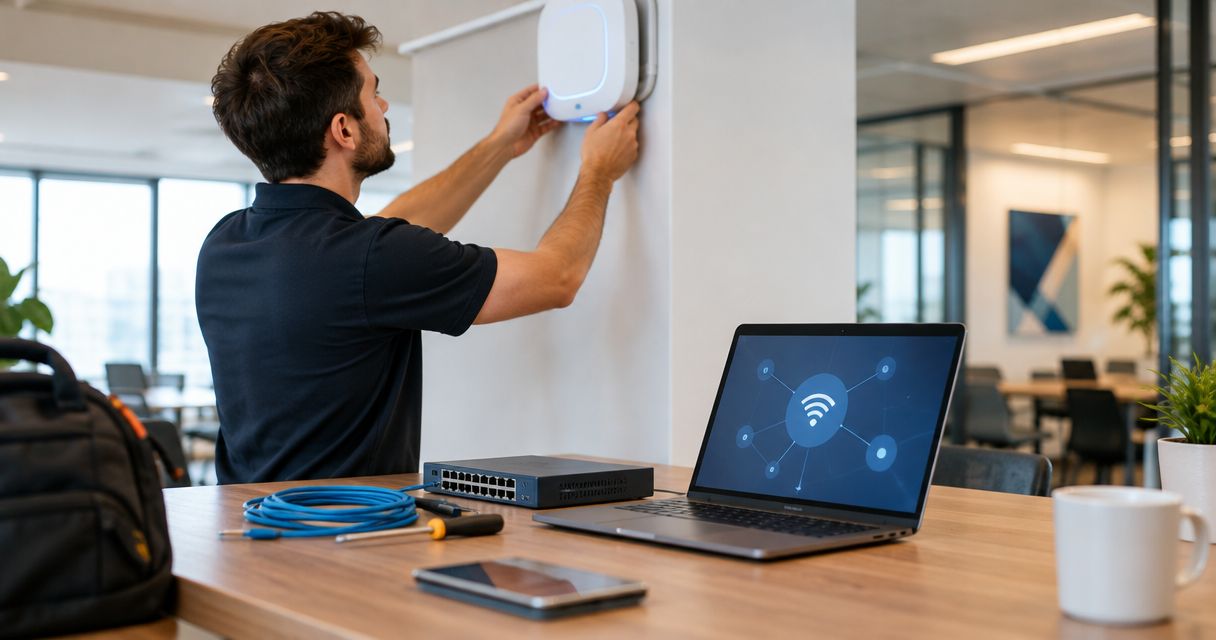
18 Sep How Much Does Commercial WiFi Installation Cost in 2026?
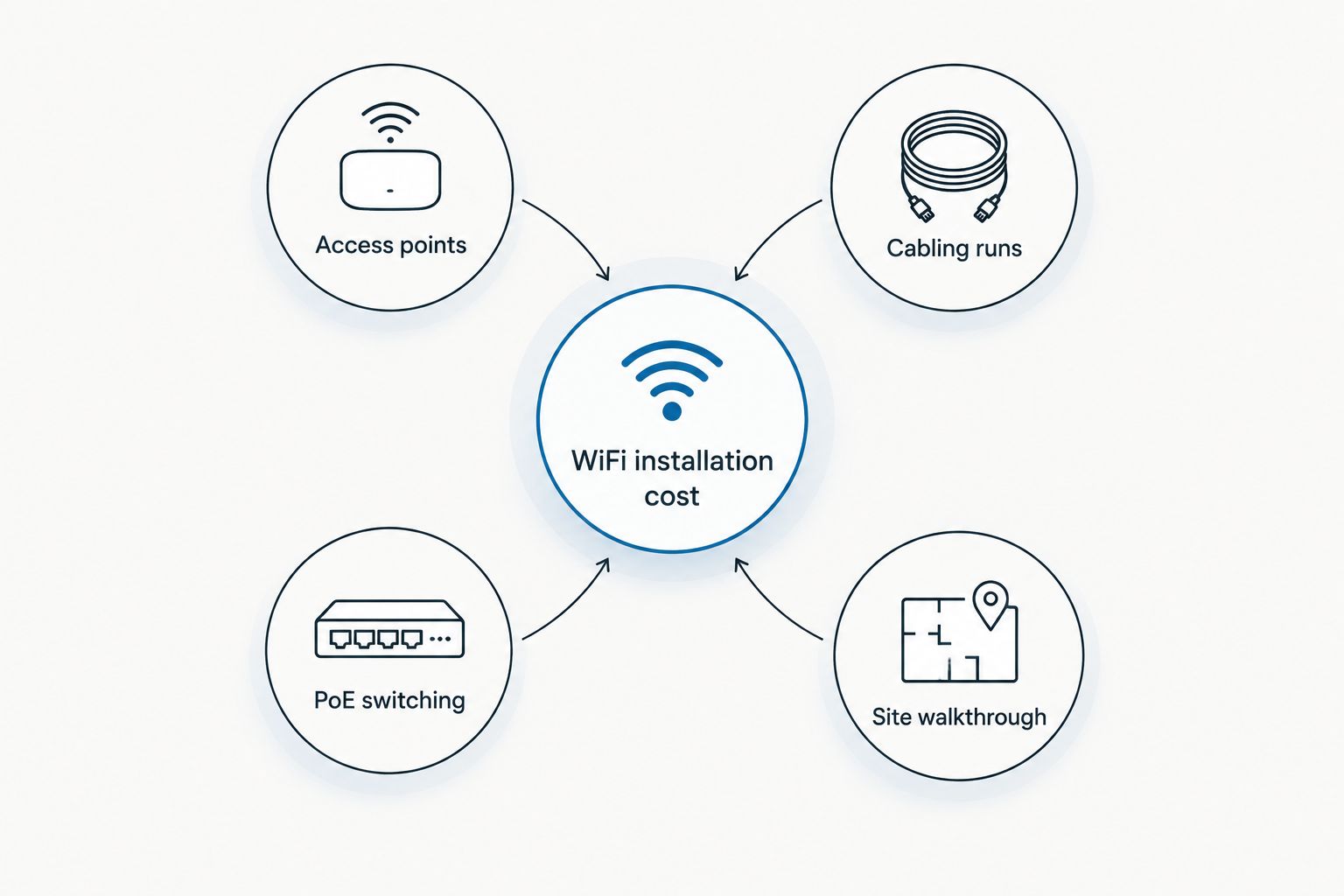
Commercial WiFi network installation cost isn't one flat number — it moves with the number of access points needed, the cabling behind them, and whether the switching gear can power everything you're plugging in. This guide breaks down what pushes the price up or down for offices, multi-floor buildings, and warehouses in 2026.
- Commercial WiFi network installation cost in 2026 depends mainly on access point count, cabling runs, and PoE switch capacity, not one flat number.
- Small single-floor offices need the fewest access points and the least new cabling; multi-floor buildings and warehouses need more of both.
- Reusing existing Cat6 cabling lowers installation cost; runs that need new Cat6a cabling add labor and material back in.
- DBSI scopes commercial WiFi installation cost after a site walkthrough, because cabling and switching variables move the number more than access point count alone.
Why this matters
A WiFi network that's undersized on day one turns into a support ticket generator by month three — dead zones in the back conference room, dropped calls near the warehouse dock, a switch that can't power the sixth access point someone added last quarter. Getting access point count, cabling, and switch capacity right the first time avoids paying for a second install six months later.
DBSI treats access point installation cost per AP and cabling as two separate line items, because they move independently. A building with clean existing cabling can put most of its budget into access points; a building running old Cat5e flips that ratio and puts most of the budget into new cabling runs instead.
How much does a commercial WiFi network cost to install?
The total commercial WiFi network installation cost in 2026 comes down to three moving parts: the access points themselves, the cabling that reaches them, and the switch ports that power them over Ethernet (PoE). None of those three scale the same way, which is why a small office and a warehouse can end up with very different cost breakdowns even when both only need a handful of access points.
| Setup type | Primary cost drivers | Best for |
|---|---|---|
| Small single-floor office | Few access points, one wiring closet, existing cabling often reusable | Offices with one open floor and light foot traffic |
| Multi-floor office building | Access points per floor, cabling runs to each floor's closet, centralized controller or cloud licensing | Buildings with multiple departments or tenants spread across floors |
| Warehouse or industrial facility | More access points to cover metal racking and open ceilings, ruggedized cabling, PoE+ or PoE++ switching for outdoor-rated hardware | Facilities with high ceilings, metal shelving, or outdoor coverage needs |
Small office WiFi installation: what drives the cost
A small, single-floor office with an open layout needs the fewest access points and the least new cabling — the existing Cat6 runs from a past network cabling job are often reusable as-is. Best for: offices on one floor with light foot traffic and no metal partitions blocking signal between rooms.
Multi-floor office building WiFi installation: what drives the cost
Every floor needs its own access point coverage and its own cabling run back to that floor's wiring closet, and once you're running more than a handful of access points across floors, a centralized controller or cloud-management license usually enters the picture to keep the network manageable from one dashboard. Best for: buildings where departments or tenants sit on different floors and need consistent coverage without walking to each closet to troubleshoot.
Warehouse and industrial WiFi installation: what drives the cost
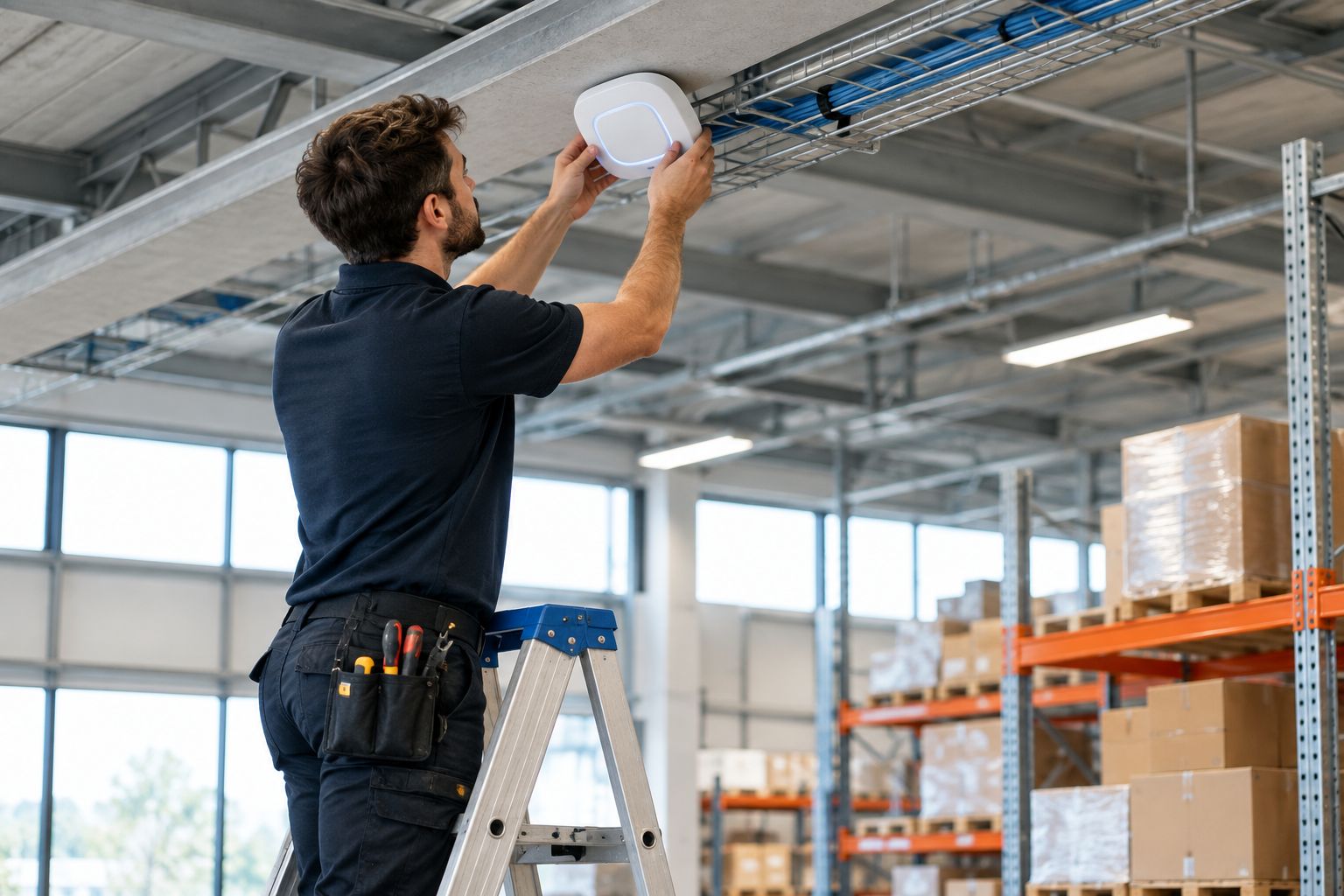
Metal racking, open ceilings, and larger floor plans mean warehouses typically need more access points per square foot than a comparable office, plus PoE+ or PoE++ switching to power ruggedized or outdoor-rated access points mounted higher than a standard ceiling tile. Best for: distribution centers and industrial sites where signal has to punch through steel shelving to reach handheld scanners and forklift terminals.
Why WiFi installation cost varies
- Number of access points needed to cover the floor plan without dead zones
- Whether existing Cat5e or Cat6 cabling can be reused, or new runs are required
- PoE switch capacity and how many open, powered ports are available
- Centralized controller or cloud-management licensing for multi-access-point networks
- Findings from the site walkthrough — interference sources, ceiling height, wall material
- Whether the WiFi install is coordinated with a phone system or security camera cabling job already in progress
“If the switches can’t power the access points, the network installation isn’t finished — it’s stalled.”
Get a WiFi installation quote
DBSI scopes access points, cabling, and switching after a site walkthrough, not a phone call.
How many access points does a small office need?
One access point per 1,500 to 2,500 square feet of open office space is the standard planning rule for typical drywall construction and foot traffic. Metal partitions, high ceilings, or dense conference-room use push that number higher.
Does a WiFi installation need a new network switch?
A WiFi installation needs a new switch only when the existing one doesn't have enough PoE budget or open ports for the added access points. PoE+ (802.3at) delivers up to 30 watts per port, which covers most Wi-Fi 6 access points, but older switches built for VoIP phones often fall short once a handful of new access points get added to the same closet.
Can a WiFi installation reuse existing network cabling?
A WiFi installation can reuse existing cabling when it's Cat6 or better and tests clean to spec. Cat6a supports up to 10 Gbps over a 100-meter run versus 1 Gbps for standard Cat6, which matters for access points serving dozens of devices at once — older Cat5e runs typically need replacing before an access point install, which adds to network cabling cost per foot.
FAQ
How much does a commercial WiFi network cost to install in 2026?
The cost depends primarily on the number of access points, the cabling runs to reach them, and whether the existing network switches have enough PoE capacity to power them. A site walkthrough gives an exact figure — a phone estimate skips the cabling and switching variables that move the price the most.
Is it cheaper to reuse existing network cabling for a WiFi installation?
Reusing existing Cat6 or better cabling that tests clean to spec lowers WiFi installation cost by cutting new cabling runs out of the project. Cat5e runs usually need replacing before an access point installation, which adds labor and material back into the estimate.
How many access points does a small office need?
One access point per 1,500 to 2,500 square feet of open office space is the standard planning rule for typical drywall construction and foot traffic. Metal partitions, high ceilings, or dense conference-room use push that number higher.
What’s the difference between Cat6 and Cat6a cabling for WiFi backhaul?
Cat6 supports up to 1 Gbps over a 100-meter run, while Cat6a supports up to 10 Gbps over the same distance. Access points serving dozens of devices at once need the higher Cat6a throughput more than a single phone jack ever did.
Do I need a new network switch for a WiFi installation?
A new switch is only necessary when the existing one lacks enough PoE budget or open ports for the added access points. PoE+ (802.3at) delivers up to 30 watts per port, which covers most Wi-Fi 6 access points, but older switches built for VoIP phones often fall short.
Does WiFi installation cost include security cameras or phone systems?
No, WiFi installation is typically scoped and priced separately from security camera and phone system installation, even when all three share the same cabling infrastructure. Bundling the cabling work across systems can reduce redundant labor, but each system’s equipment cost stands on its own.
How is warehouse WiFi installation different from office WiFi installation?
Warehouse WiFi installation usually needs more access points to cover metal racking, open ceilings, and larger floor plans than a comparable office. It also often requires PoE+ or PoE++ switching to power ruggedized or outdoor-rated access points mounted higher than a typical office ceiling.
One last thing
The line item most businesses underestimate isn't the access points — it's PoE switch capacity. A building that adds six Wi-Fi 6 access points to an old VoIP-era switch often finds out mid-install that the switch can't power all six ports at once, and the project stalls until new switching gear shows up. Ask about switch PoE budget before locking in an access point count for a 2026 install, and the rest of the WiFi network cost estimate holds steady instead of growing mid-project.
DBSI walks Fairfield-area offices, multi-floor buildings, and warehouses through that exact conversation before quoting a commercial WiFi network installation, because the access point count only tells half the cost story.
Related guides
- How to choose a business WiFi solution for your office
- How to reduce WiFi dead zones in a large office
- Best business WiFi providers for small offices
Sorry, the comment form is closed at this time.