
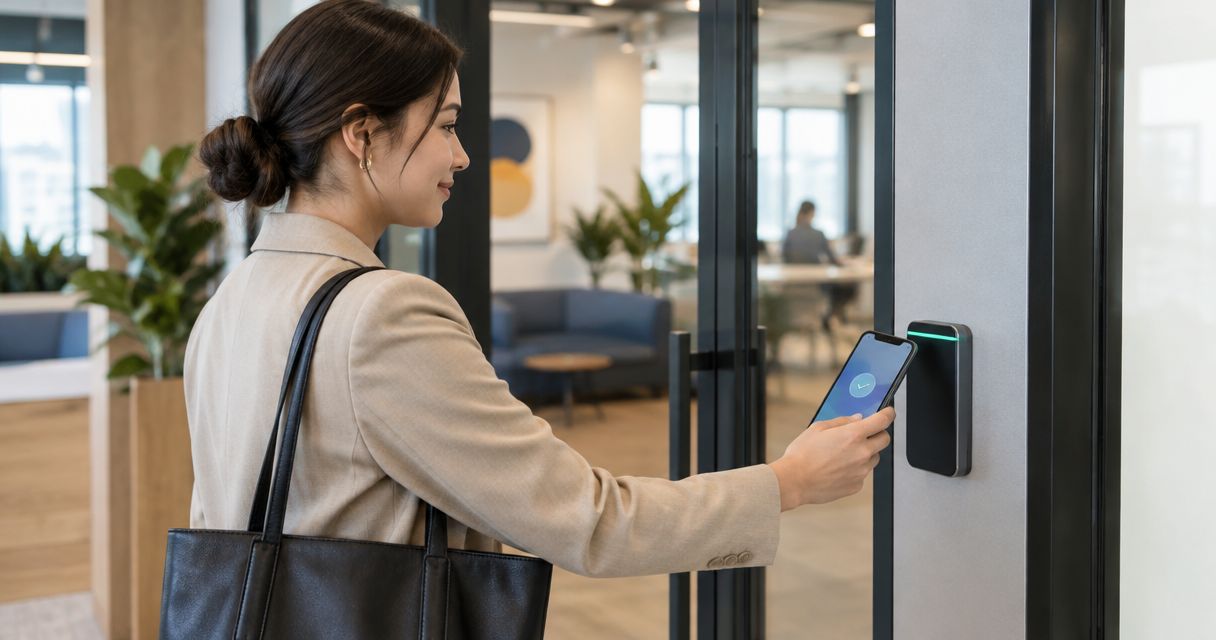
19 Sep Is Mobile Credential Access Control Worth It in 2026?
Mobile credential access control is worth it in 2026 for offices with frequent turnover, multiple entry points, or a habit of misplaced badges — the phone employees already carry becomes the credential, and IT can revoke access from a dashboard the moment someone leaves. The tradeoff: you're swapping a one-time badge cost for an ongoing subscription, and buildings running older proximity readers usually need a hardware upgrade before a phone can unlock anything.
- Mobile credential access control is worth it in 2026 for offices with 20+ badge holders or frequent turnover — not for a two-door office with three employees.
- Phones staff already carry double as the credential, cutting the cost and hassle of reissuing lost keycards.
- Reader compatibility is the real hidden cost: older proximity readers often need replacement before mobile credentials work.
- Bluetooth and NFC credentials generally unlock doors without a live internet connection at the reader itself.
- DBSI installs and configures mobile credential access control for offices, apartment buildings, and multi-tenant sites across New Jersey.
Why this matters
Lost keycards are the single most common access control failure DBSI sees inside New Jersey offices: a badge falls out of a bag, nobody flags it, and it stays active for months before anyone notices. Mobile credential access control removes the physical card from that risk — the credential lives inside an app on a phone the employee already guards like a wallet.
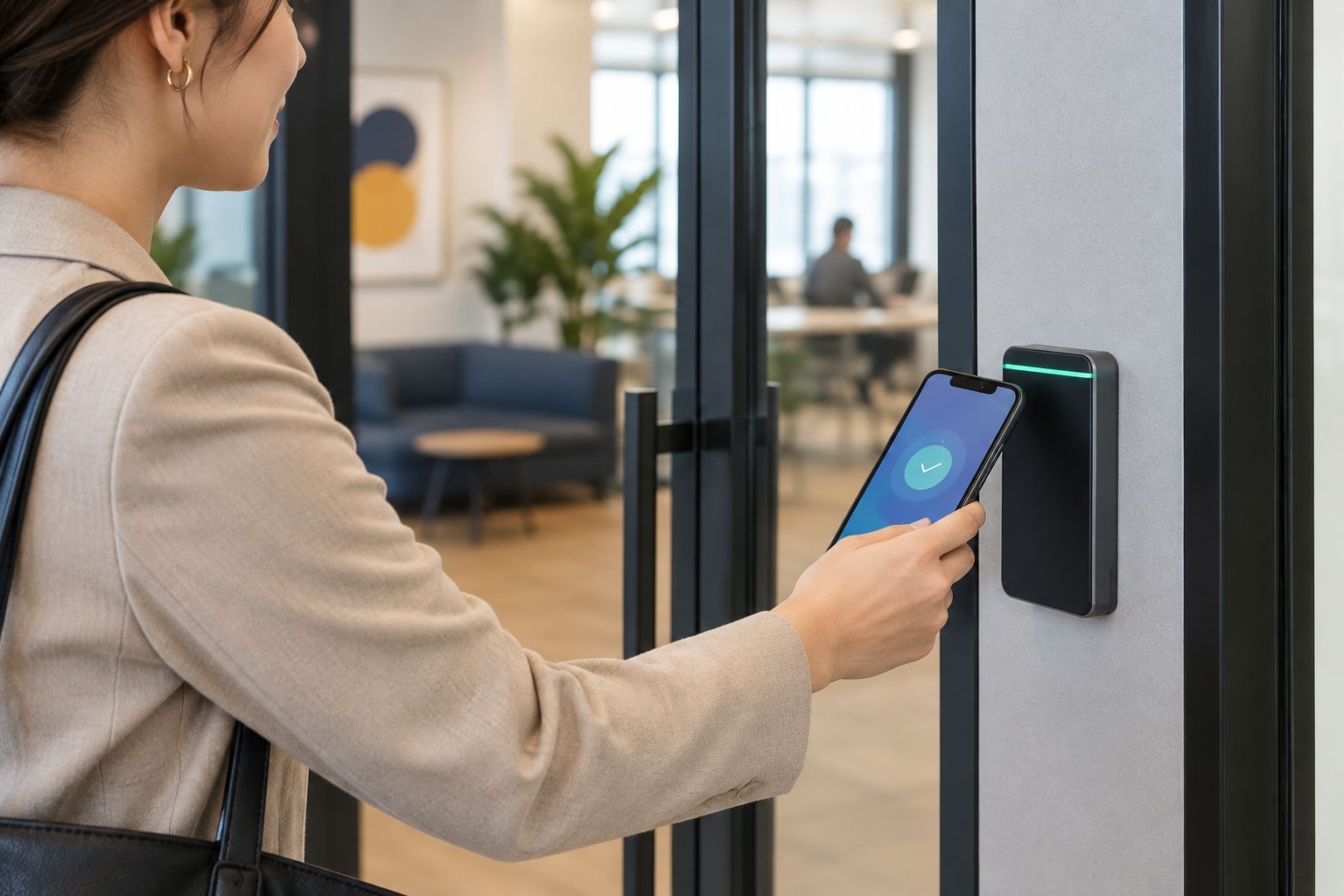
Office security in 2026 has moved past a single locked front door. Cameras, network cabling, and access control now run over the same network gear, and mobile credentials fit that layered setup naturally because they travel over the same Bluetooth or NFC stack a phone already uses for contactless payments. There's no new device for anyone to carry, remember, or lose separately from the phone they already guard.
DBSI's mobile credential access control systems run over Bluetooth or NFC, so the badge holder's phone becomes the key without a spare fob rattling around a desk drawer. For a business locking down a server closet, a warehouse dock, or a shared lobby in 2026, that shift changes how fast IT can cut someone's access the day they quit — not the week after.
Is mobile credential access control worth it for your business?
The honest answer depends on door count and how often your access list changes. A five-person office with one door and low turnover gets less out of mobile credentials than a 40-person building with a lobby, a server room, and three tenants sharing a hallway. The math shifts fast once you add a second location or a rotating shift schedule, because that's exactly where reissuing physical badges eats the most admin time.
Here's how mobile credentials stack up against the two alternatives most businesses compare them to before buying:
| Credential type | How it unlocks the door | Best for | Verdict |
|---|---|---|---|
| Mobile credential (phone app) | Bluetooth or NFC signal from a smartphone | Multi-door offices, frequent hires and exits, remote credential management | Buy |
| Keycard / fob (RFID) | Physical card or fob tapped against a reader | Low-turnover teams, single-door budget buildouts | Hold |
| Biometric (fingerprint or face) | Reader scans a physical trait — no card or phone needed | Restricted rooms: server closets, pharmacies, cash rooms | Buy for high-security zones |
Mobile credentials win on speed of revocation and low reissue cost — IT deletes a departing employee's credential from a dashboard instead of chasing down a badge that may never come back. They lose ground the moment a phone battery dies at the door, which is why most mid-size buildings pair mobile credentials with a card or fob as backup instead of replacing hardware outright. Biometric readers solve a different problem entirely: they're worth adding to a handful of restricted doors regardless of what the rest of the building runs, since neither a phone nor a card should be the only thing standing between someone and a server rack.
“If your badge holders already carry a phone, they already own the credential.”
That's true for most office staff heading into 2026 — the real hardware cost is a reader upgrade, not a new device issued to every employee.
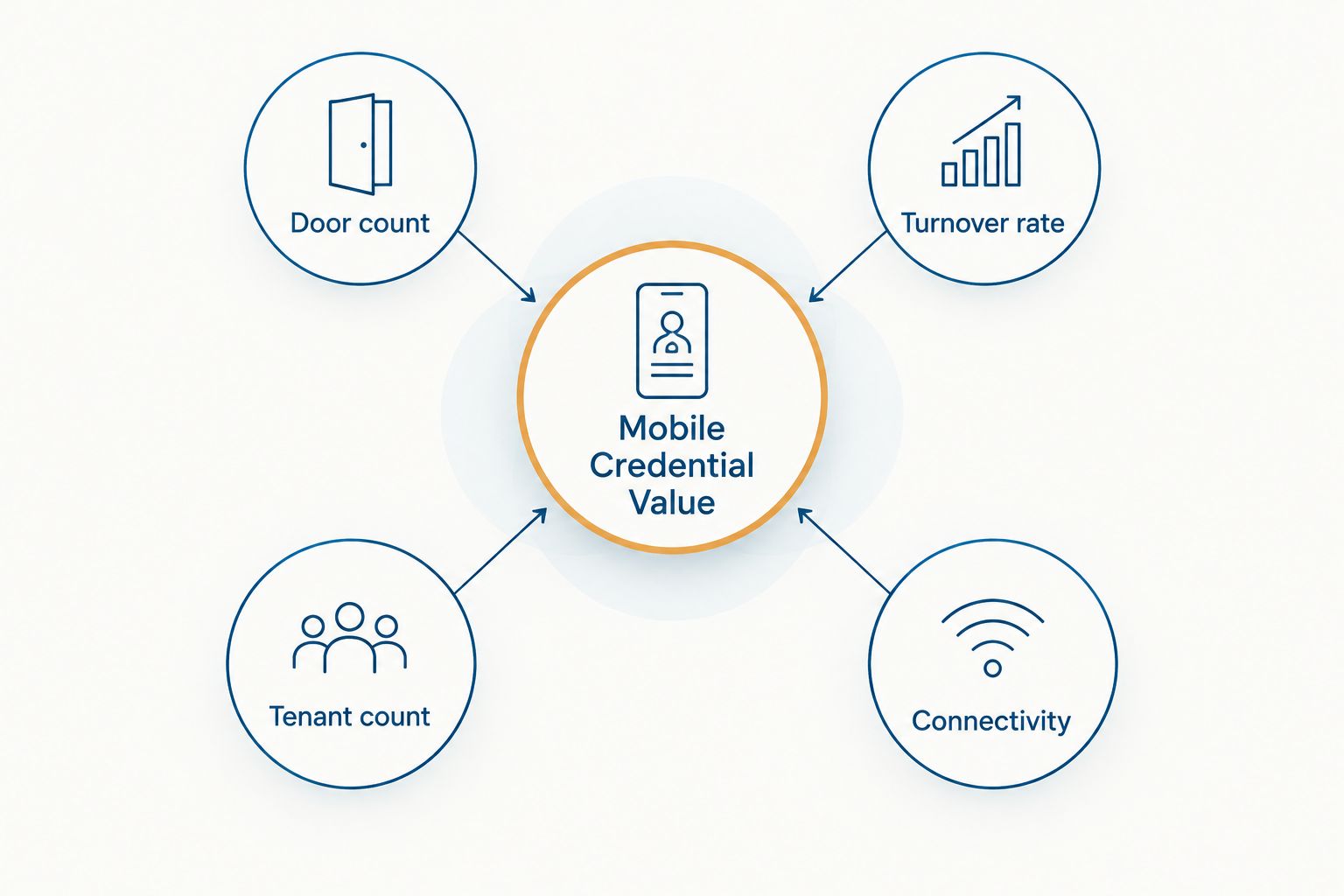
Why the value of mobile credential access control varies
Mobile credentials pay off faster in some buildings than others. Weigh these factors before deciding:
- Door count and reader age — older proximity readers usually need replacement before they'll accept a phone signal; check how much access control installation costs per door before budgeting a rollout.
- Turnover rate — the more often you hire and fire, the more the instant-revoke feature is worth on its own, since every departure that skips a badge collection is a live security gap.
- Number of tenants or departments — shared buildings with different access tiers get more out of app-managed permission groups than a single-tenant office does.
- IT support capacity — someone has to manage the credential platform day to day; a business without in-house IT usually leans on a managed provider like DBSI for that piece.
- Integration needs — buildings tying access control into video intercoms, alarm systems, or visitor logs get more value from a mobile platform that already talks to those systems.
- Connectivity at the door — sites with unreliable internet need to confirm the reader unlocks over Bluetooth locally rather than requiring a live cloud check on every entry.
Read how to choose an access control system for your business before signing with any vendor — the reader hardware matters more than the app sitting on top of it.
When mobile credential access control isn't worth it
Mobile credentials aren't automatically the right call just because the technology is newer. Skip them, or at least delay them, in these situations:
- Single door, small team. A five-employee office with one entry point and nobody quitting mid-year rarely earns back the reader upgrade cost with faster revocation.
- Contractor-heavy sites. Construction trailers and short-term job sites often churn through visitors faster than a phone-based system is worth configuring — a temporary keypad code is simpler.
- No in-house IT and no managed provider. Someone has to manage the credential platform, add new hires, and pull access for departures. Without that support, a mobile system becomes shelfware.
- Tight capital budget this year. If cash is earmarked for other office technology upgrades in 2026, keycards still lock the door adequately while you plan a phased switch.
None of these factors are deal-breakers forever — they just change how fast the switch pays for itself right now.
Ready to upgrade your door access?
DBSI installs and supports access control systems for New Jersey businesses.
Related questions about mobile credential access control
Is mobile credential access control more secure than keycards?
Mobile credentials are generally harder to clone than RFID keycards, since the phone signal is encrypted and tied to a specific device instead of a static card number that a cheap skimmer can copy. Keycards remain vulnerable to cloning attacks documented against older low-frequency proximity systems. Neither method fixes bad access policy on its own — a shared credential undoes the security of either system just as fast.
Do mobile credentials work without WiFi or cell service?
Yes — Bluetooth and NFC credentials communicate directly between the phone and the reader at the door, so the unlock itself doesn't require a live internet connection. The phone still needs the credential downloaded to its app ahead of time, which does require connectivity at some point before the first use, and most platforms re-sync automatically once the phone reconnects.
Can mobile credential access control replace a visitor management system?
No — mobile credentials manage ongoing access for employees and tenants, while a visitor management system registers, badges, and tracks one-time guests. Most buildings in 2026 run both side by side instead of picking one over the other, and the two typically share data so a front-desk log and a badge log stay consistent.
FAQ
Is mobile credential access control worth it for a small office?
For a one-door office with under ten employees and low turnover, mobile credential access control usually isn’t worth the switch — a keycard or fob system covers the same risk for less setup. It becomes worth it once you add doors, tenants, or frequent hiring.
How does mobile credential access control compare to keycards on cost?
Mobile credential access control typically costs more upfront because readers need to support Bluetooth or NFC, while keycard readers are cheaper hardware. Over time, mobile systems avoid the recurring cost of reprinting and reissuing lost cards.
Does mobile credential access control require new door readers?
In most buildings, yes — older proximity readers can’t read a phone’s Bluetooth or NFC signal and need to be swapped for mobile-capable hardware. Newer multi-technology readers sometimes support both keycards and mobile credentials on the same unit.
What happens if an employee loses their phone with the access credential installed?
The credential can be revoked instantly from the access control dashboard, the same way a lost keycard gets deactivated. Unlike a keycard, a lost phone is also usually protected by its own lock screen, adding a second barrier before anyone could use it.
Is mobile credential access control worth it for apartment buildings?
Mobile credential access control is worth it for apartment buildings with shared entries and frequent tenant turnover, since property managers can issue and revoke resident access remotely instead of rekeying locks. Smaller buildings with long-term tenants see less benefit from the switch.
Can mobile credential access control integrate with security cameras?
Yes — most mobile credential platforms integrate with video systems so a door unlock event triggers a camera snapshot or clip tied to that entry. This pairing is common in 2026 installs where a business wants a photo log of who used which credential.
One last thing
The biggest failure point in a mobile credential rollout in 2026 isn't the app — it's the reader. Buildings that install mobile-capable readers but skip testing Bluetooth range at every door end up with employees standing at the threshold waving a phone that won't connect. Test read range at each door before go-live, not after staff start filing complaints, and keep a card or fob backup on the two or three doors that get the heaviest foot traffic.
Related guides
- Best mobile credential access control systems for universities
- Keyless entry systems for commercial buildings
Sorry, the comment form is closed at this time.